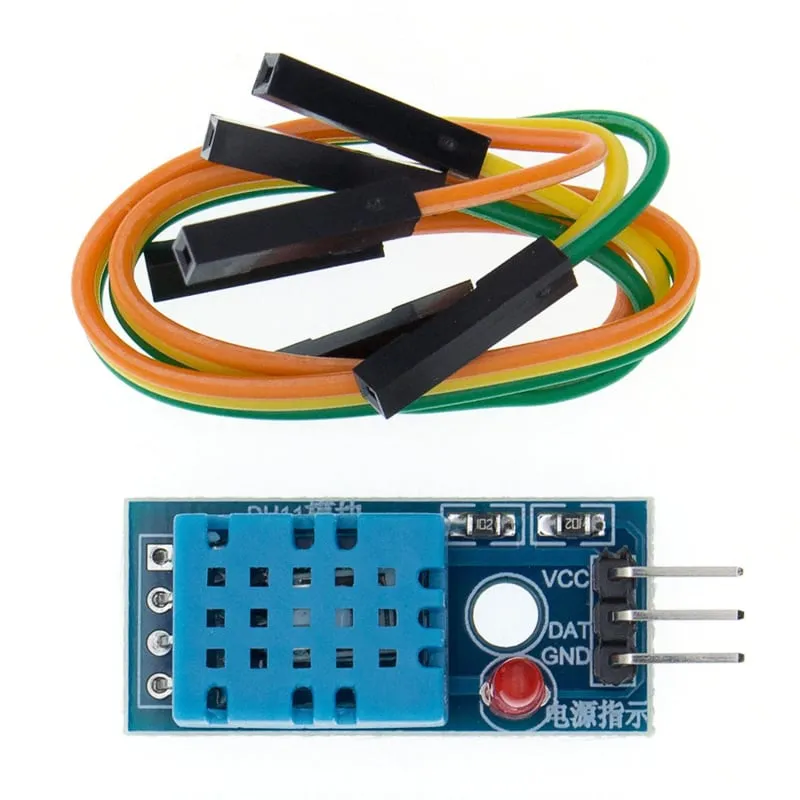
SKU: OT714-D61 Artikelnummer: AB058 EAN: 8756742620748

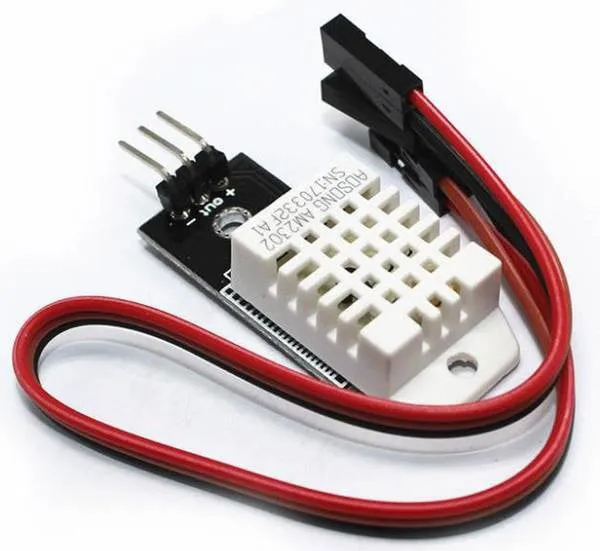
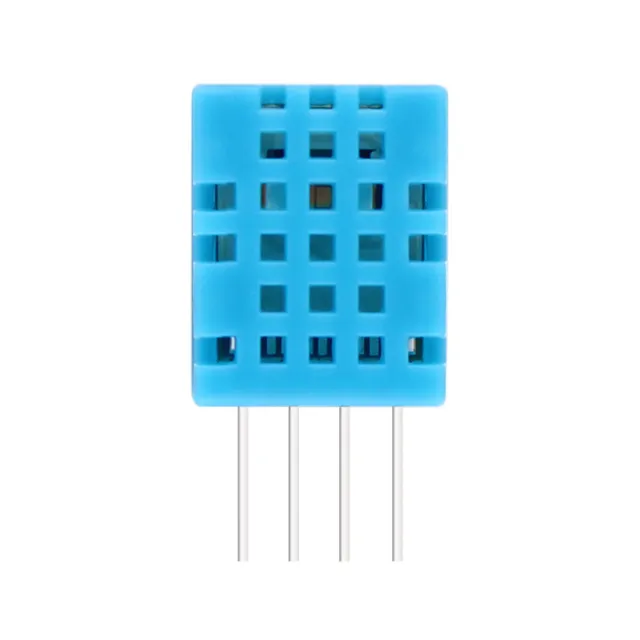
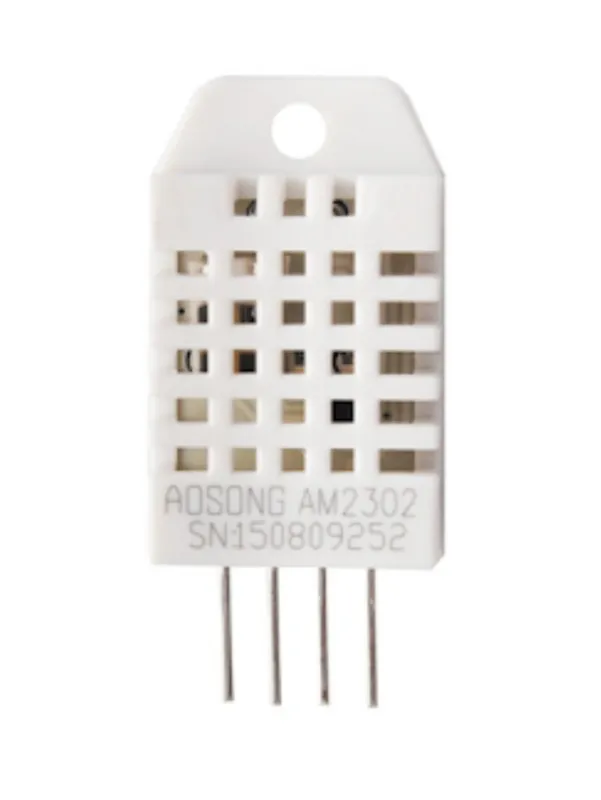
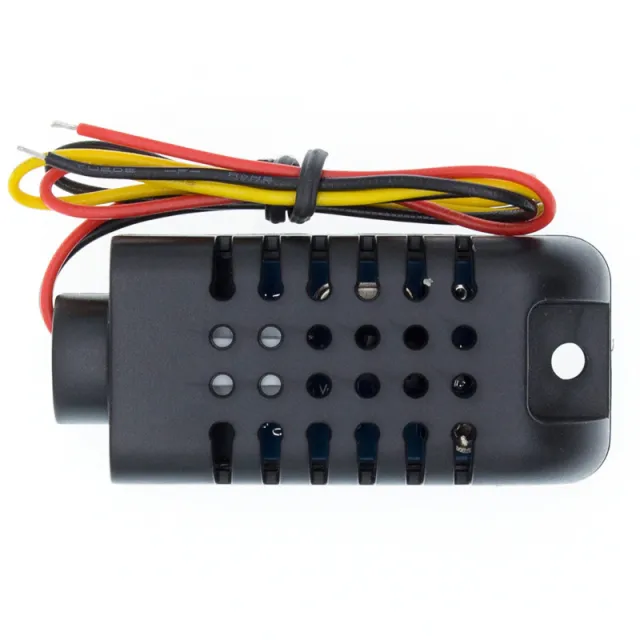
Detta är den mindre och något mindre exakta versionen av DHT22. Sensorn mäter både temperatur och luftfuktighet.
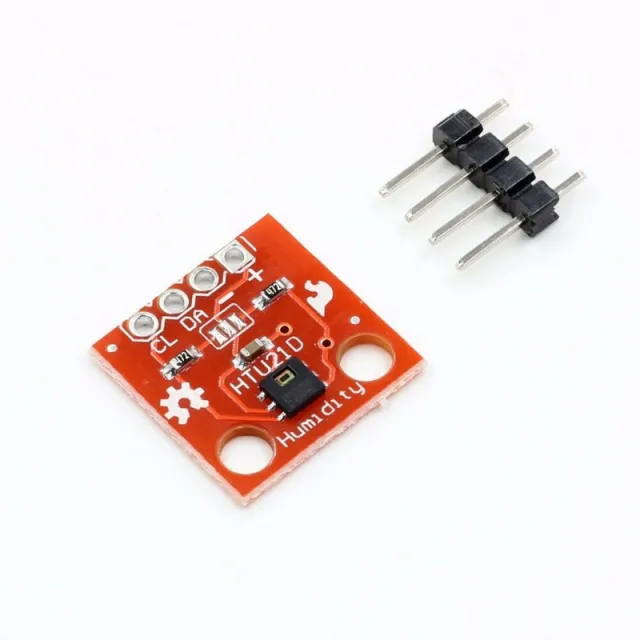
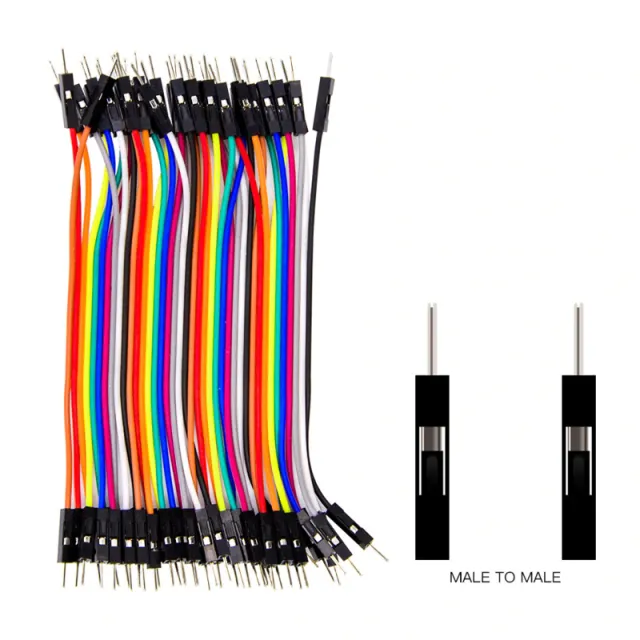
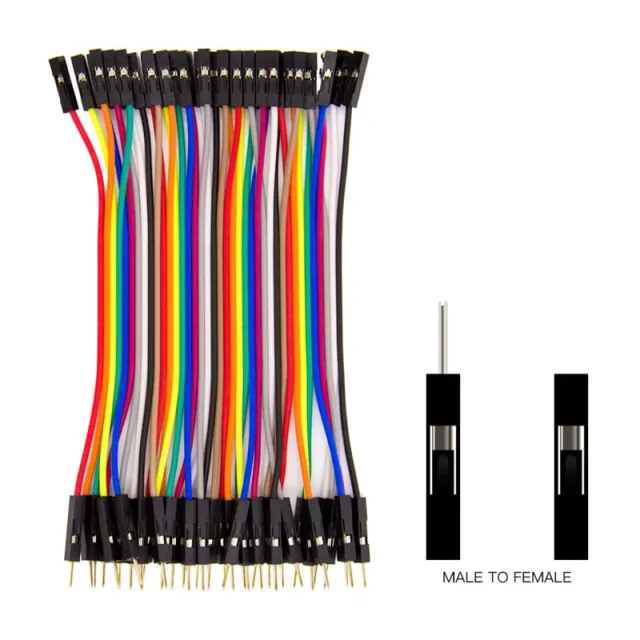
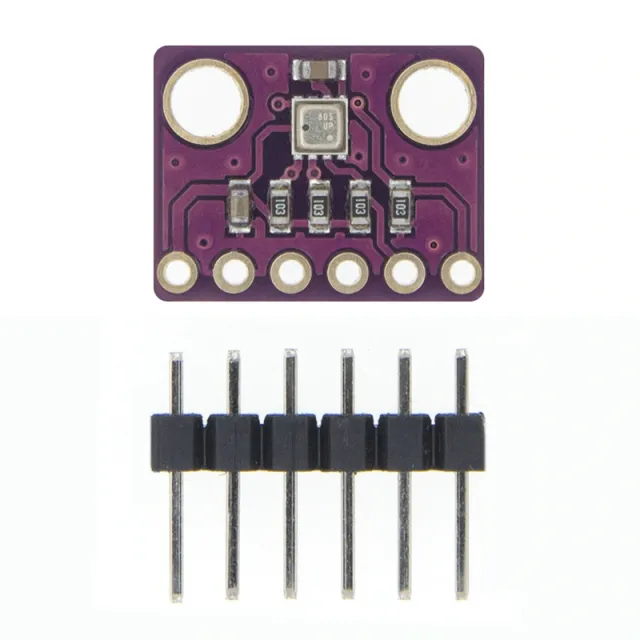
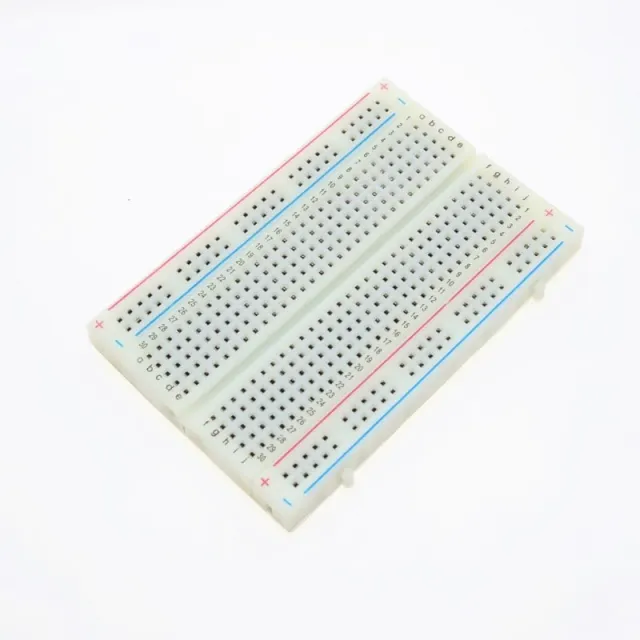
Modul lämplig för breadboard och dupont-kablar (medföljer)
Temperaturens mätområde är 0 till 50 grader Celsius.
Noggrannhet på +/- 2 grader
Ström: 3.3v till 6v
Incl. dupont-kablar
LED-indikator
Mått
Längd: 3,1cm
Bredd: 1,44cm
Höjd: 0,75cm
Vid uppspelning laddas videon från YouTube.
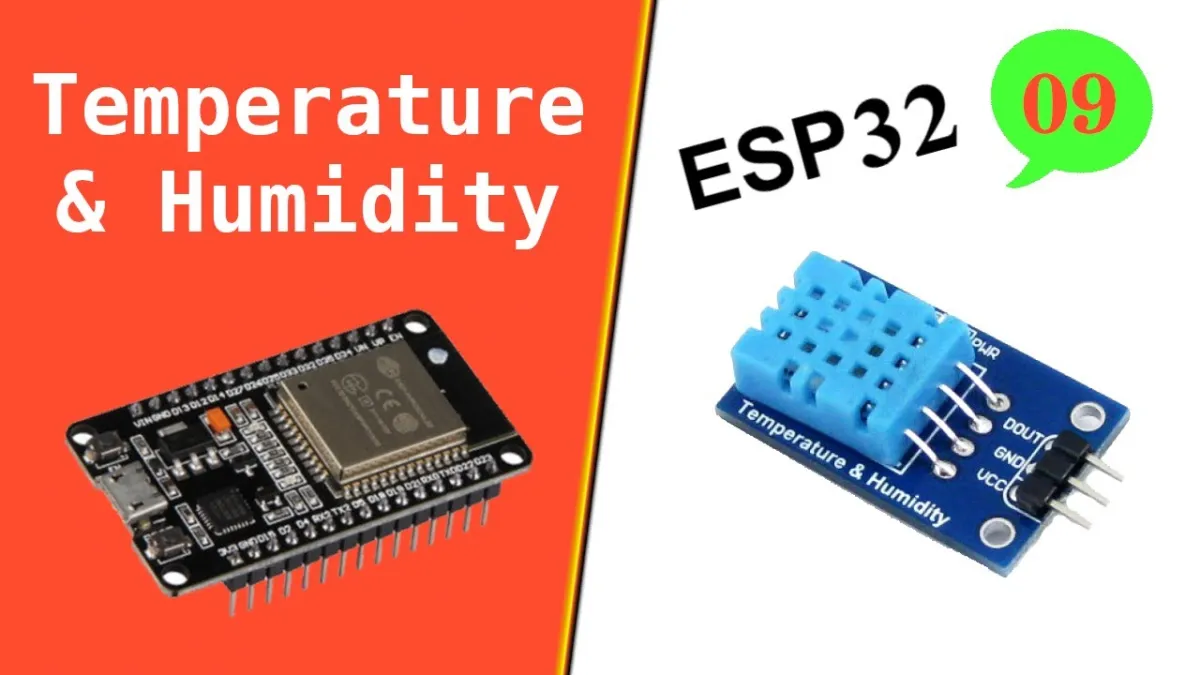
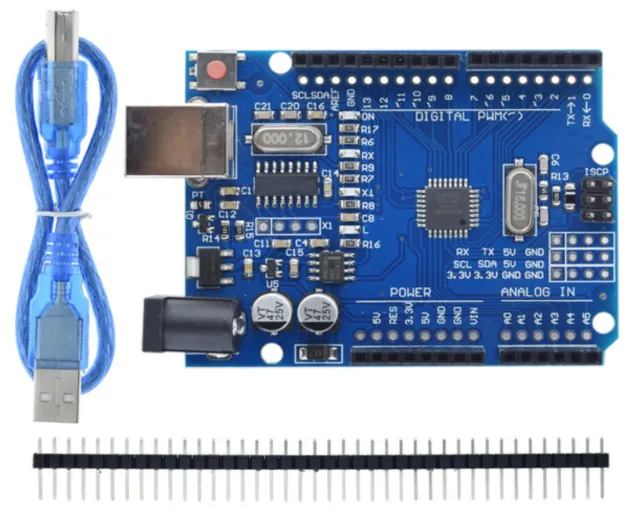
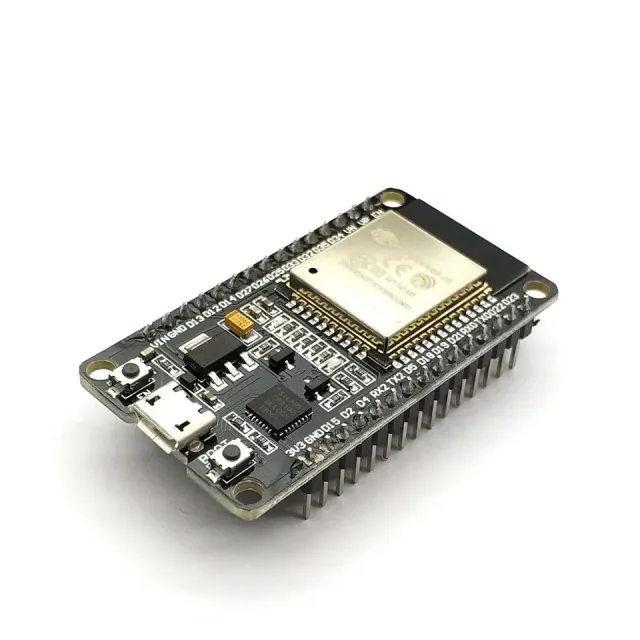
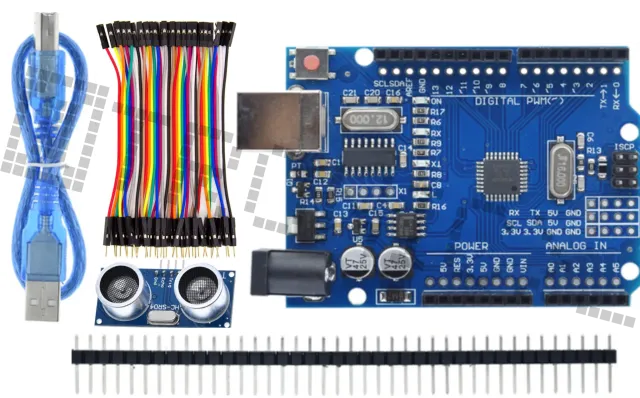
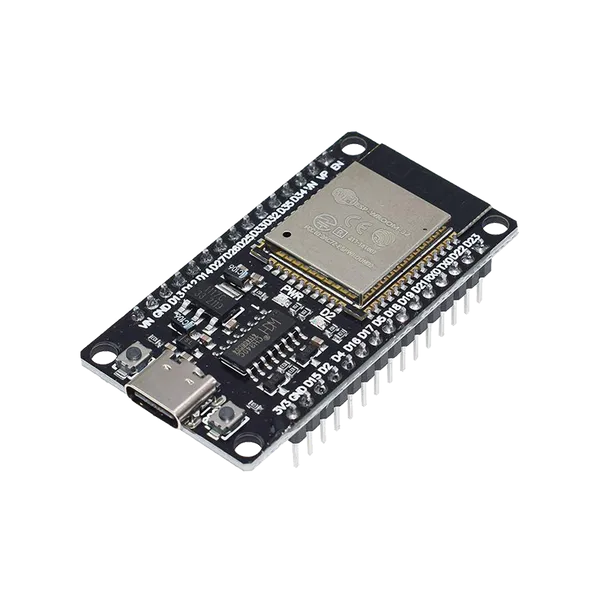
Så här kopplar du Temperatur- och luftfuktighetssensor i 1| DHT11 modul för Arduino till en Arduino UNO eller ESP32, med ett exempelsketch som du kan ladda upp direkt.
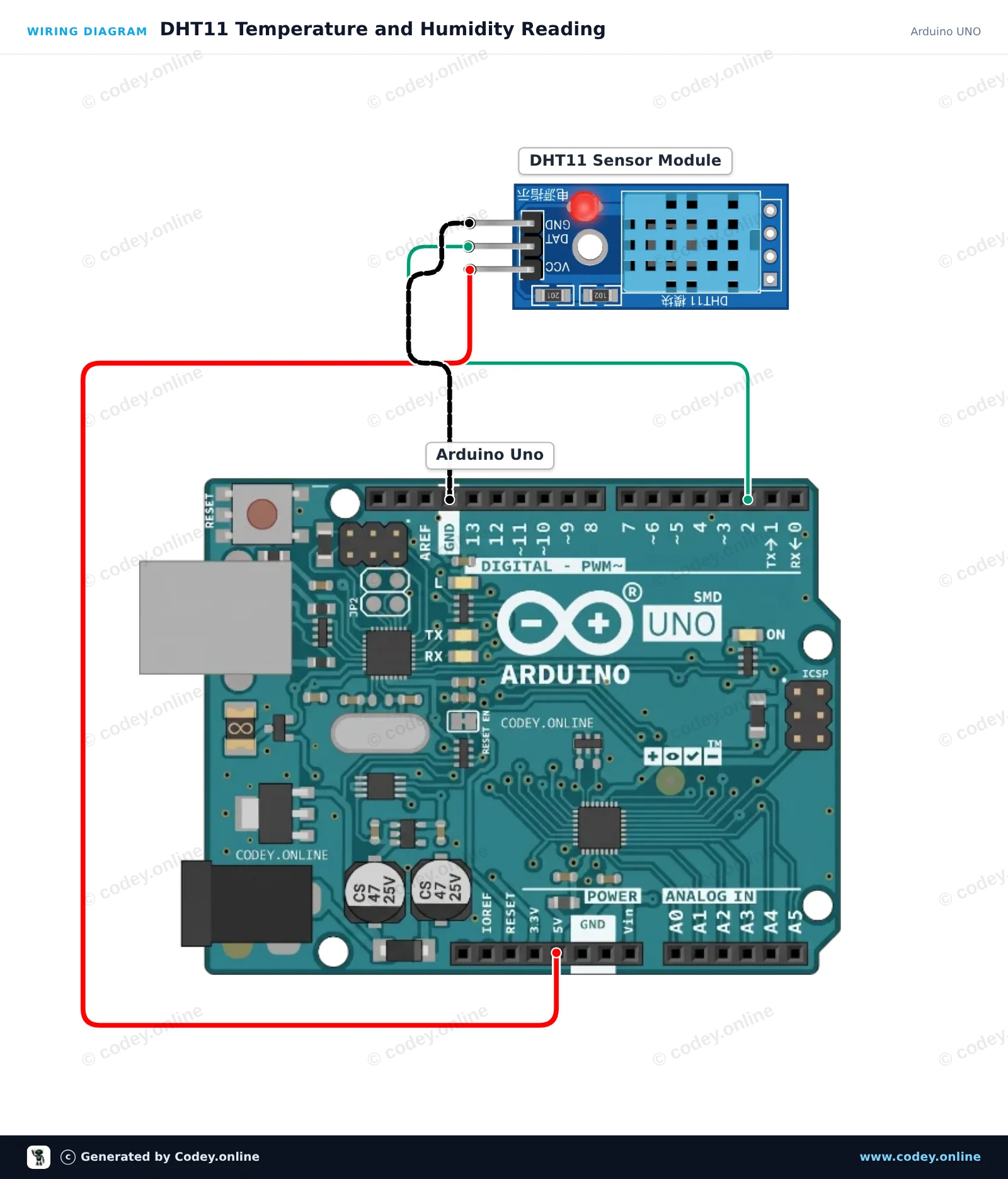
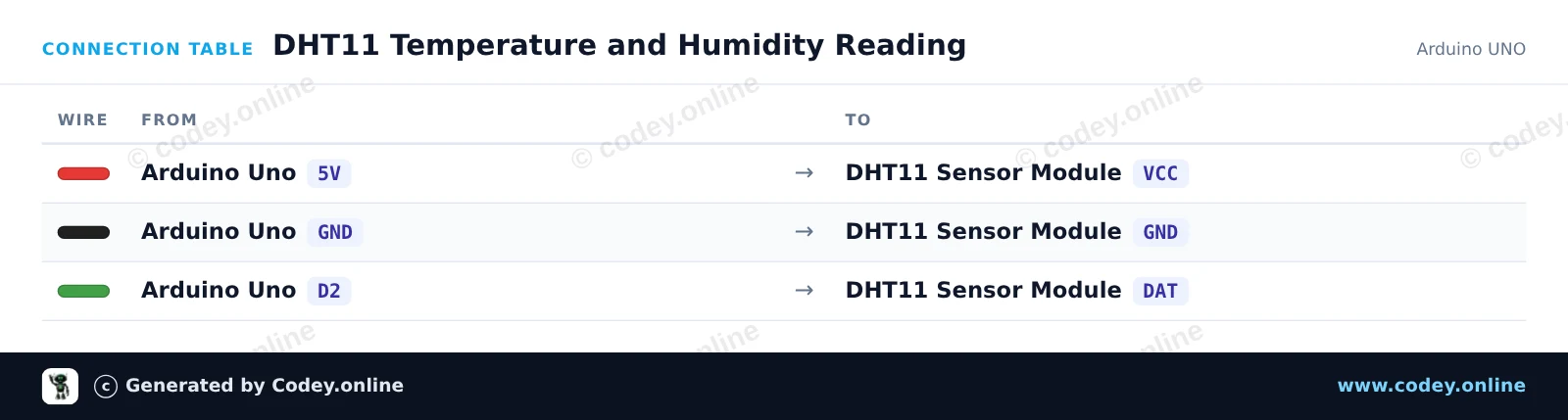
This project reads temperature and humidity data from the DHT11 sensor module and prints the measurements to the Serial Monitor every two seconds. Simply wire the module directly to the 5V, GND, and digital pin 2 of your Arduino Uno.
/*
 * ==================================================================
 *  Generated by Codey.online  —  https://www.codey.online
 * ==================================================================
 *  Project   : DHT11 Temperature and Humidity Reading
 *  Board     : Arduino UNO (arduino:avr:uno)
 *  Parts     : DHT11 Sensor Module
 *  Libraries : DHT sensor library 1.4.7
 *
 *  Codey Online is an AI-powered browser IDE for Arduino and ESP32.
 *  Describe your project and Codey writes the code, draws the wiring
 *  diagram and uploads it to your board, straight from the browser.
 *  This code is free to use, modify and share, without warranty.
 * ==================================================================
 */

#include <DHT.h>

#define DHTPIN 2
#define DHTTYPE DHT11

DHT dht(DHTPIN, DHTTYPE);

void setup() {
  Serial.begin(115200);
  while (!Serial);
  Serial.println(F("DHT11 Sensor Demo"));
  dht.begin();
}

void loop() {
  // DHT11 sample rate is up to 1 reading every 2 seconds
  delay(2000);

  float humidity = dht.readHumidity();
  float temperature = dht.readTemperature();

  if (isnan(humidity) || isnan(temperature)) {
    Serial.println(F("Failed to read from DHT11 sensor!"));
    return;
  }

  Serial.print(F("Humidity: "));
  Serial.print(humidity, 1);
  Serial.print(F("%  |  Temperature: "));
  Serial.print(temperature, 1);
  Serial.println(F("°C"));
}Nödvändiga bibliotek: DHT sensor library 1.4.7
Wiring diagram and example code generated by Codey.online — https://www.codey.online
This project reads ambient temperature and relative humidity using the DHT11 sensor module connected to an ESP32. Sensor values are sampled every 2 seconds and printed directly to the Serial Monitor at 115200 baud. It is an easy way to verify your DHT11 sensor is working properly.
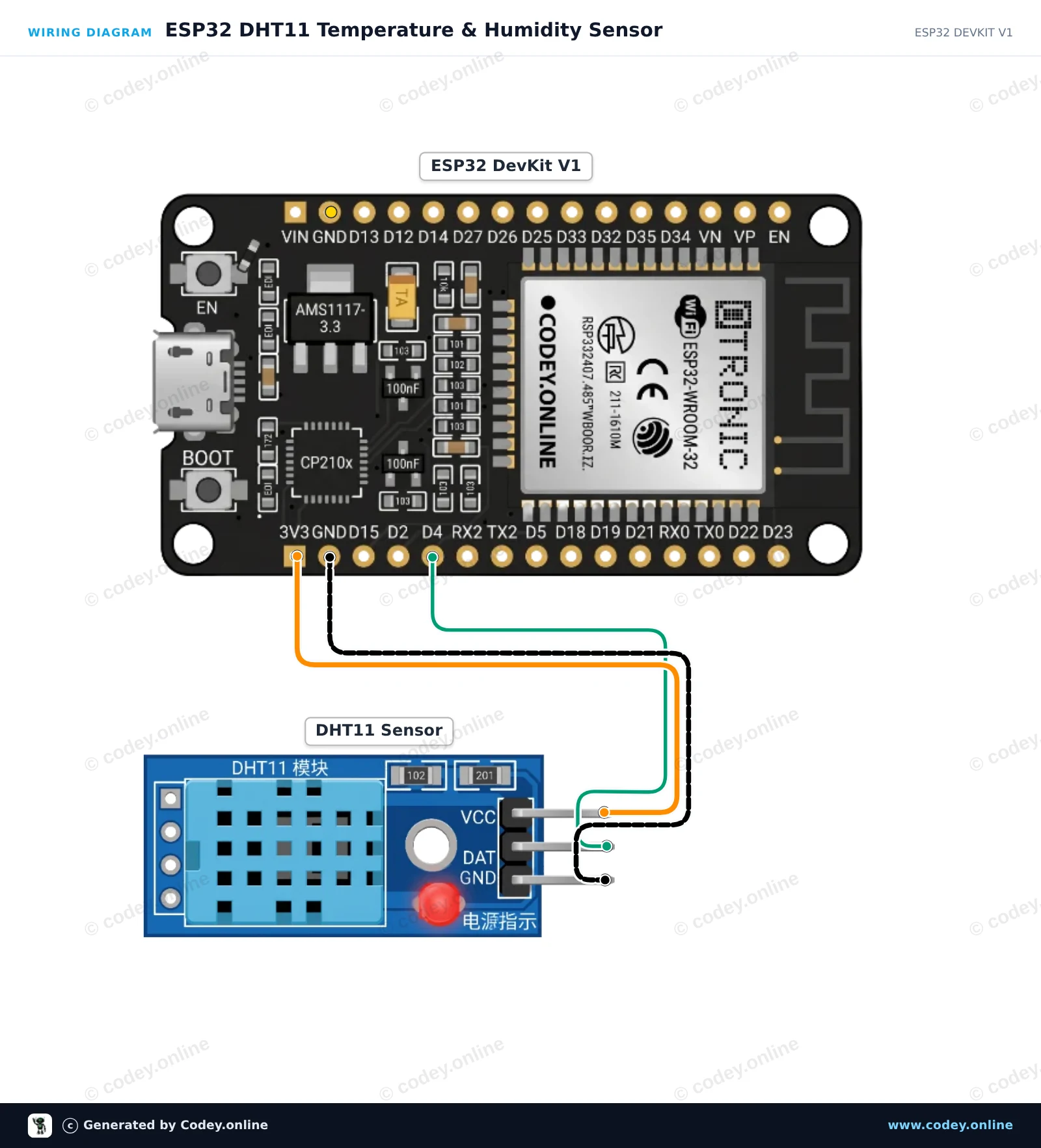
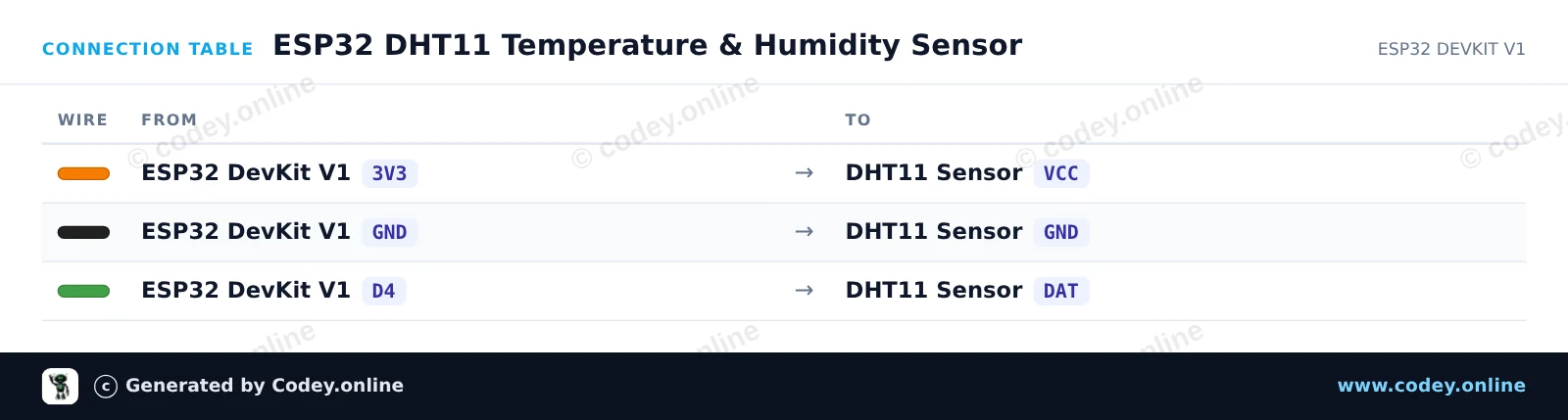
/*
 * ==================================================================
 *  Generated by Codey.online  —  https://www.codey.online
 * ==================================================================
 *  Project   : ESP32 DHT11 Temperature & Humidity Sensor
 *  Board     : ESP32 DEVKIT V1 (esp32:esp32:esp32doit-devkit-v1)
 *  Parts     : DHT11 Sensor Module
 *  Libraries : DHT sensor library 1.4.7
 *
 *  Codey Online is an AI-powered browser IDE for Arduino and ESP32.
 *  Describe your project and Codey writes the code, draws the wiring
 *  diagram and uploads it to your board, straight from the browser.
 *  This code is free to use, modify and share, without warranty.
 * ==================================================================
 */

#include "DHT.h"

#define DHTPIN 4
#define DHTTYPE DHT11

DHT dht(DHTPIN, DHTTYPE);

void setup() {
  Serial.begin(115200);
  Serial.println("DHT11 Sensor Demo");

  dht.begin();
}

void loop() {
  delay(2000);

  float humidity = dht.readHumidity();
  float temperature = dht.readTemperature();

  if (isnan(humidity) || isnan(temperature)) {
    Serial.println("Failed to read from DHT sensor!");
    return;
  }

  Serial.print("Humidity: ");
  Serial.print(humidity);
  Serial.print(" %  |  Temperature: ");
  Serial.print(temperature);
  Serial.println(" °C");
}Nödvändiga bibliotek: DHT sensor library 1.4.7
Wiring diagram and example code generated by Codey.online — https://www.codey.online






 English
  Nederlands
  Frans
Frans  Deutsch
  Italiano
  Español
  Suomi
Suomi  Polski
  Dansk
Dansk  Ελληνικά
  Български
  Čeština
  Hrvatski
  Aileen