SKU: OT2058-D112 Artikelnummer: AB041 EAN: 8720589817418

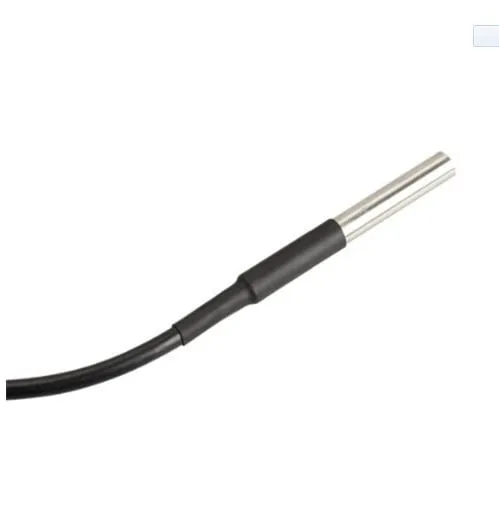
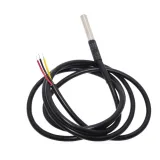
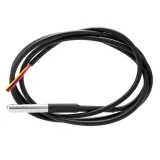
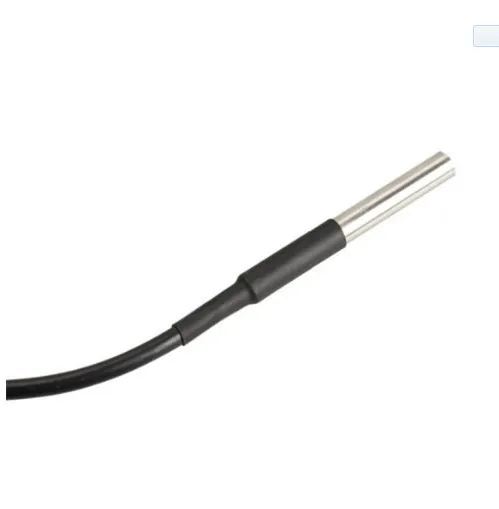
Vattentät DS18B20-temperatursensor med en total längd på 1 meter.
Sensorns diameter är 6mm och har en längd på 50mm.
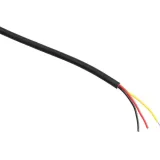
Tråddiametern är 4mm och innehåller 3 små ledare på 1,1mm med färgerna röd, ingen och svart.
Spänning: 3V till 5.5V
Mått
Längd: 100cm
Bredd: 0,04cm
Höjd: 0,04cm
Vid uppspelning laddas videon från YouTube.
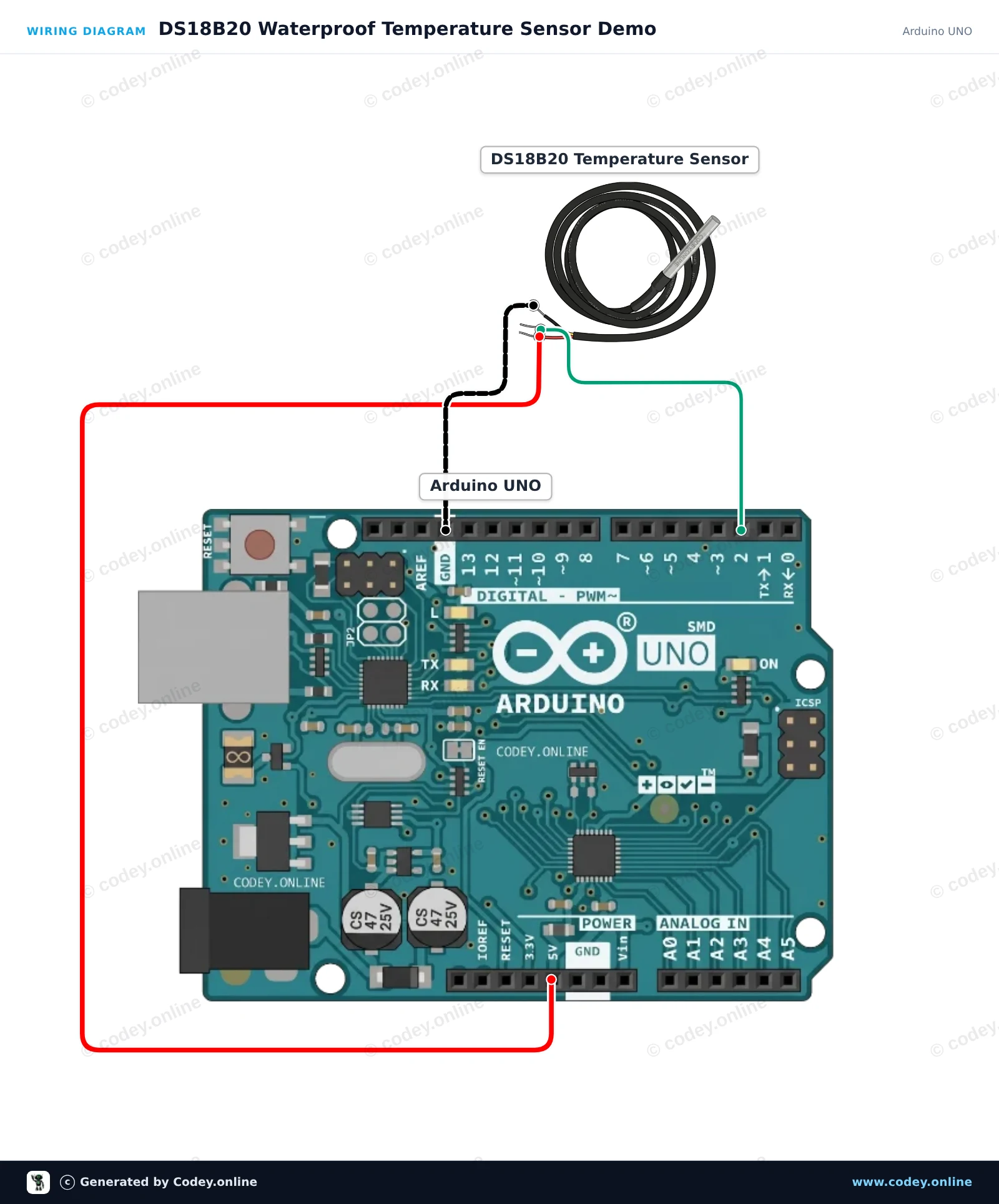
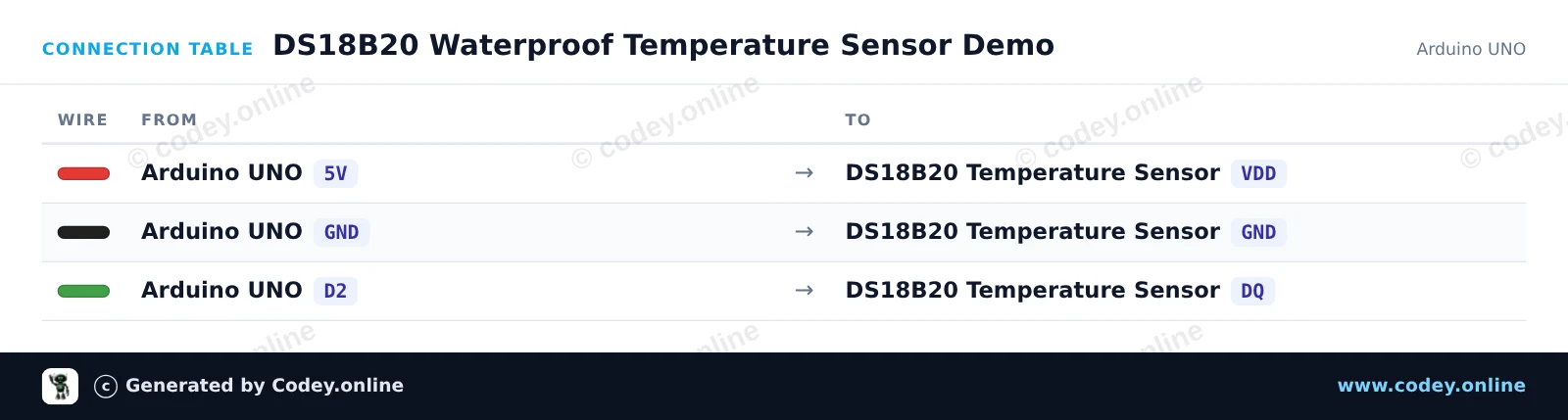
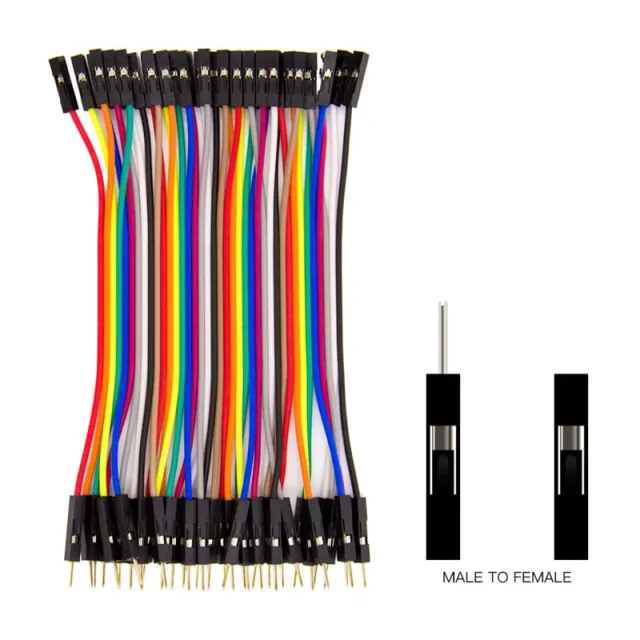
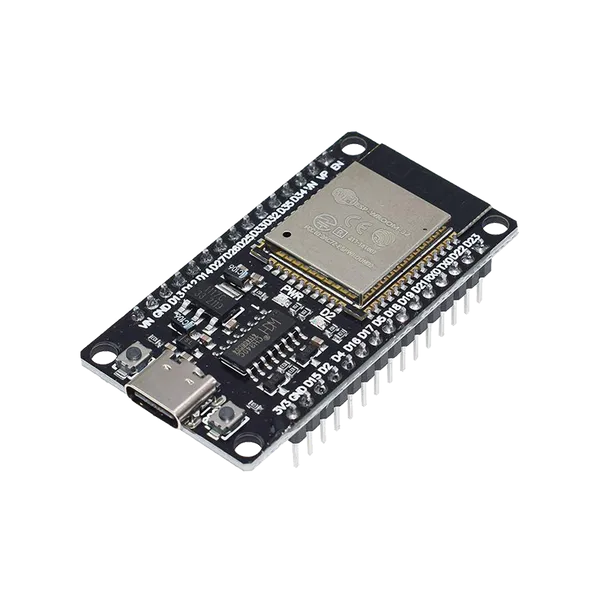
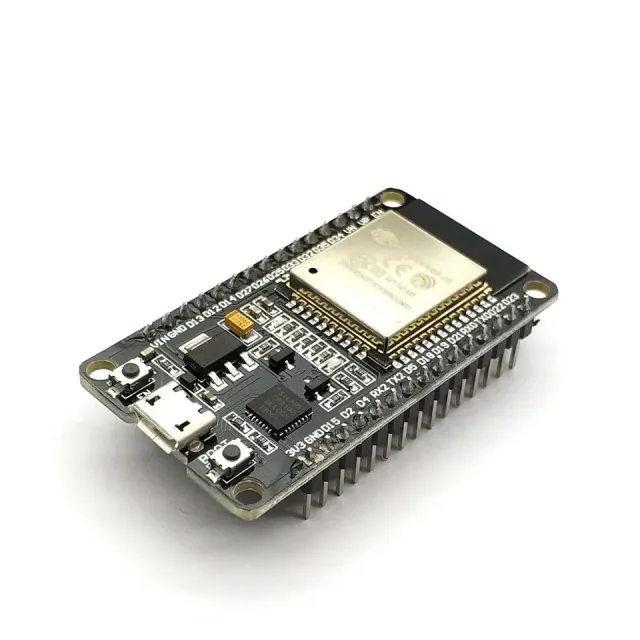
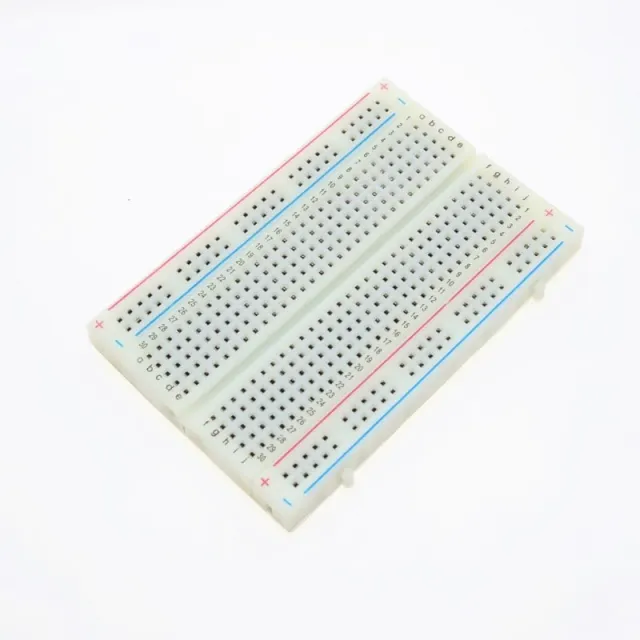
Så här kopplar du DS18B20 vattentät probtemperatursensor 1m kabel till en Arduino UNO eller ESP32, med ett exempelsketch som du kan ladda upp direkt.
This project reads temperature data from the waterproof DS18B20 probe and prints the values in Celsius to the Serial Monitor every second. Connect the sensor directly to the Arduino Uno and open the Serial Monitor at 115200 baud to view real-time temperature measurements.
/*
 * ==================================================================
 *  Generated by Codey.online  —  https://www.codey.online
 * ==================================================================
 *  Project   : DS18B20 Waterproof Temperature Sensor Demo
 *  Board     : Arduino UNO (arduino:avr:uno)
 *  Parts     : DS18B20 waterdichte probe temperatuursensor 1 m cable
 *  Libraries : OneWire 2.3.8, DallasTemperature 4.0.6
 *
 *  Codey Online is an AI-powered browser IDE for Arduino and ESP32.
 *  Describe your project and Codey writes the code, draws the wiring
 *  diagram and uploads it to your board, straight from the browser.
 *  This code is free to use, modify and share, without warranty.
 * ==================================================================
 */

#include <OneWire.h>
#include <DallasTemperature.h>

const int ONE_WIRE_BUS = 2;

OneWire oneWire(ONE_WIRE_BUS);
DallasTemperature sensors(&oneWire);

void setup() {
  Serial.begin(115200);
  sensors.begin();
  Serial.println(F("DS18B20 Temperature Sensor Initialized"));
}

void loop() {
  sensors.requestTemperatures();
  float tempC = sensors.getTempCByIndex(0);

  if (tempC == DEVICE_DISCONNECTED_C) {
    Serial.println(F("Error: Could not read temperature data"));
  } else {
    Serial.print(F("Temperature: "));
    Serial.print(tempC);
    Serial.println(F(" °C"));
  }

  delay(1000);
}Nödvändiga bibliotek: OneWire 2.3.8, DallasTemperature 4.0.6
Wiring diagram and example code generated by Codey.online — https://www.codey.online
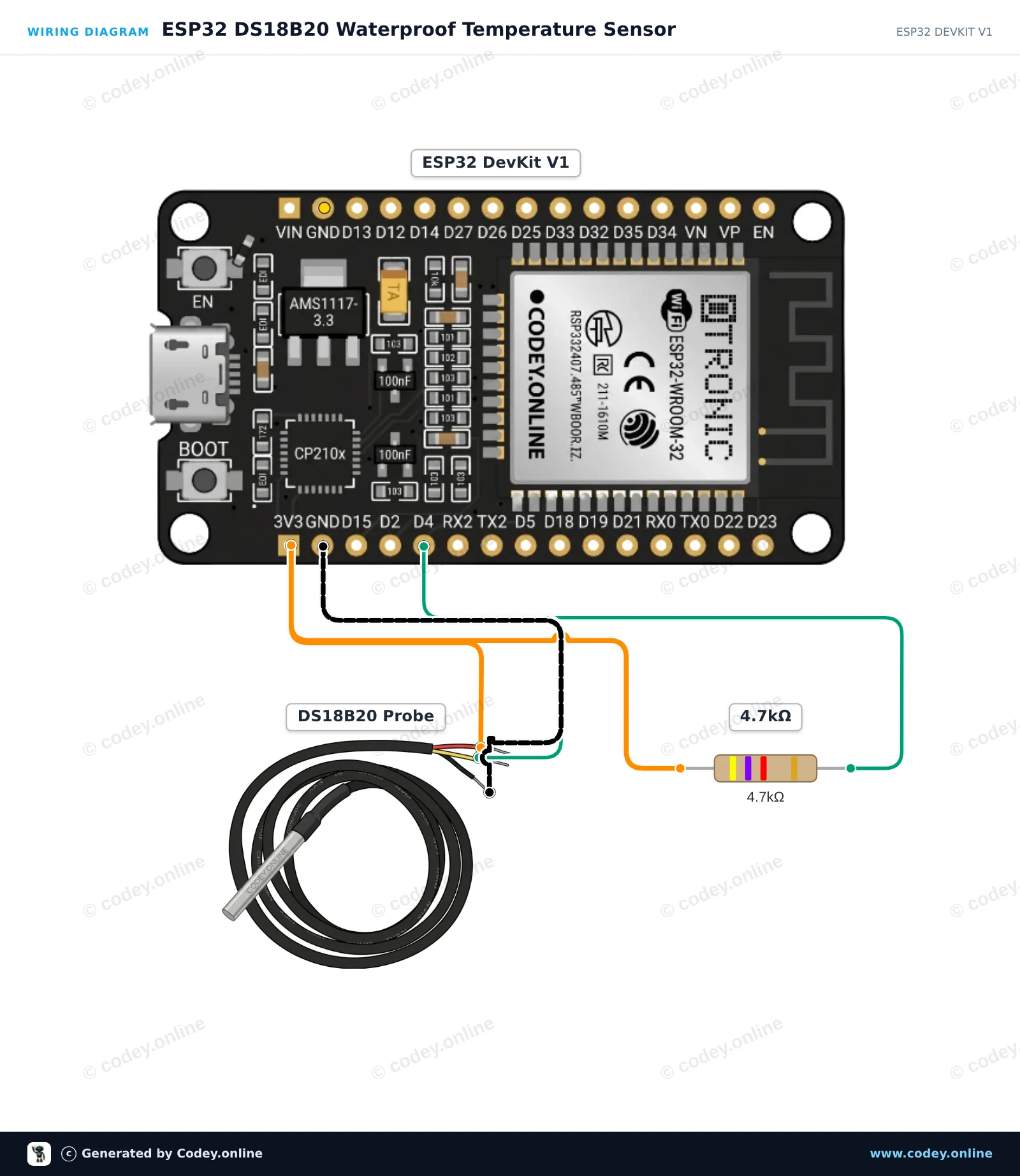
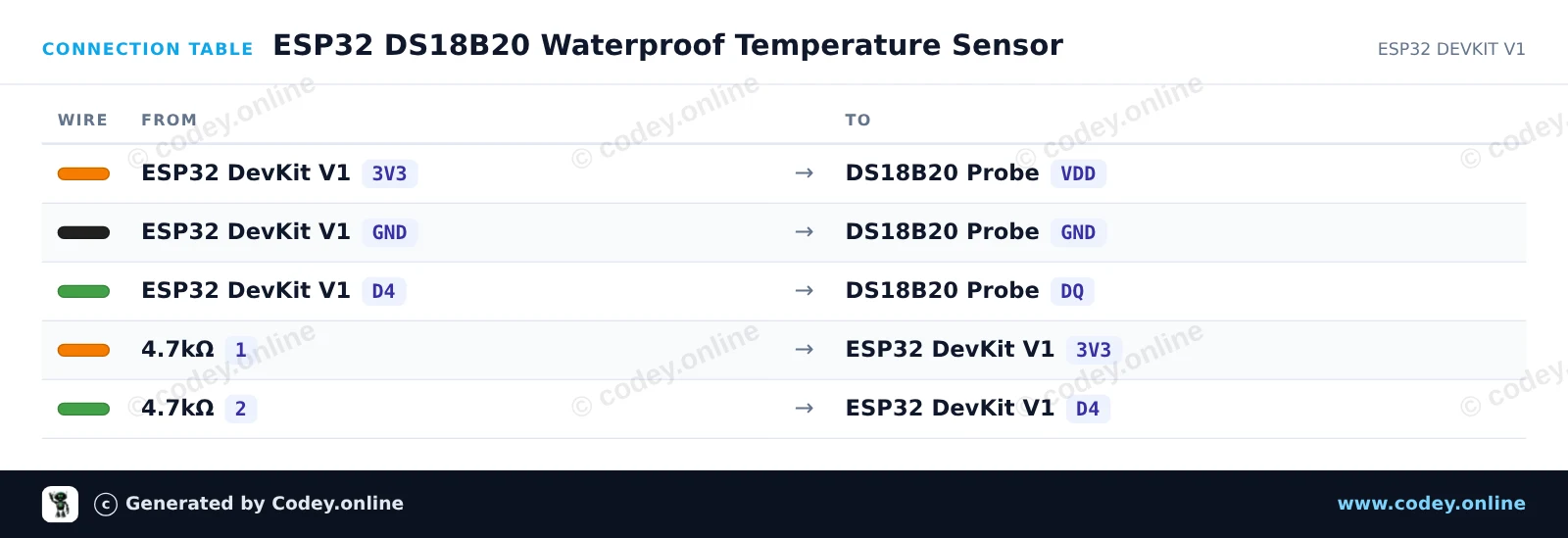
This project reads temperature data from a waterproof DS18B20 probe and prints the readings in Celsius and Fahrenheit to the Serial Monitor. A 4.7kΩ pull-up resistor is placed between the 3.3V power line and the 1-Wire data line for reliable communication. Open the Serial Monitor at 115200 baud to observe the live temperature measurements.
/*
 * ==================================================================
 *  Generated by Codey.online  —  https://www.codey.online
 * ==================================================================
 *  Project   : ESP32 DS18B20 Waterproof Temperature Sensor
 *  Board     : ESP32 DEVKIT V1 (esp32:esp32:esp32doit-devkit-v1)
 *  Parts     : DS18B20 waterdichte probe temperatuursensor 1 m cable
 *  Libraries : OneWire 2.3.8, DallasTemperature 4.0.6
 *
 *  Codey Online is an AI-powered browser IDE for Arduino and ESP32.
 *  Describe your project and Codey writes the code, draws the wiring
 *  diagram and uploads it to your board, straight from the browser.
 *  This code is free to use, modify and share, without warranty.
 * ==================================================================
 */

#include <OneWire.h>
#include <DallasTemperature.h>

const int ONE_WIRE_BUS = 4;

OneWire oneWire(ONE_WIRE_BUS);
DallasTemperature sensors(&oneWire);

void setup() {
  Serial.begin(115200);
  sensors.begin();
  Serial.println("DS18B20 Temperature Sensor Demo");
}

void loop() {
  sensors.requestTemperatures();
  float tempC = sensors.getTempCByIndex(0);

  if (tempC == DEVICE_DISCONNECTED_C) {
    Serial.println("Error: Could not read temperature data");
  } else {
    float tempF = sensors.getTempFByIndex(0);
    Serial.print("Temperature: ");
    Serial.print(tempC);
    Serial.print(" °C | ");
    Serial.print(tempF);
    Serial.println(" °F");
  }

  delay(1000);
}Nödvändiga bibliotek: OneWire 2.3.8, DallasTemperature 4.0.6
Wiring diagram and example code generated by Codey.online — https://www.codey.online





 English
  Nederlands
  Frans
Frans  Deutsch
  Italiano
  Español
  Suomi
Suomi  Polski
  Dansk
Dansk  Ελληνικά
  Български
  Čeština
  Hrvatski
  Aileen