SKU: OT851-C35 Artikelnummer: XI343 EAN: 4252580702508

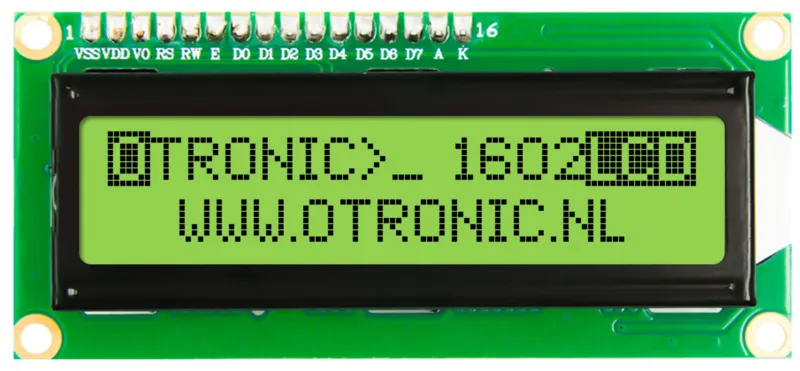
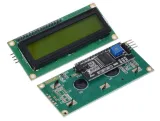
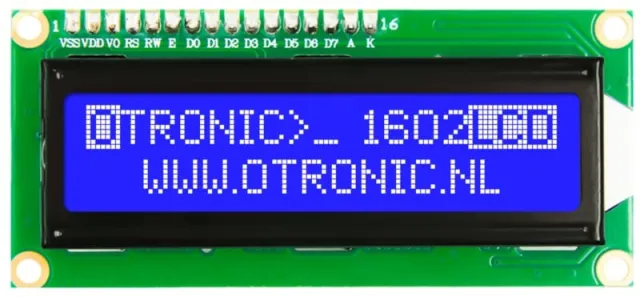
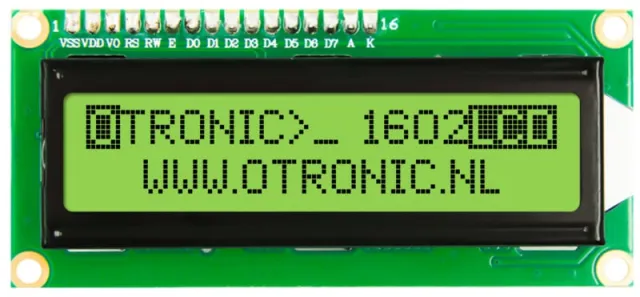
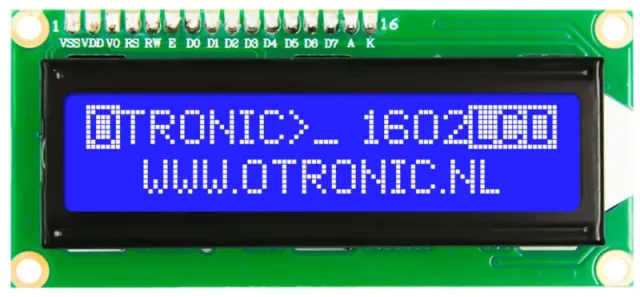
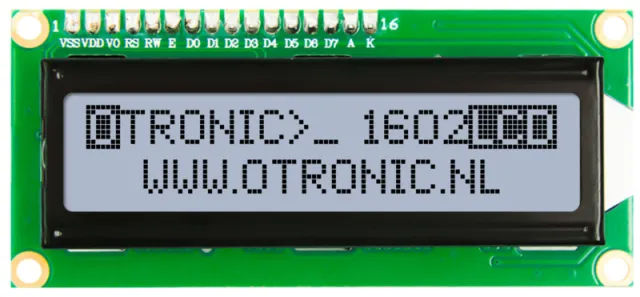
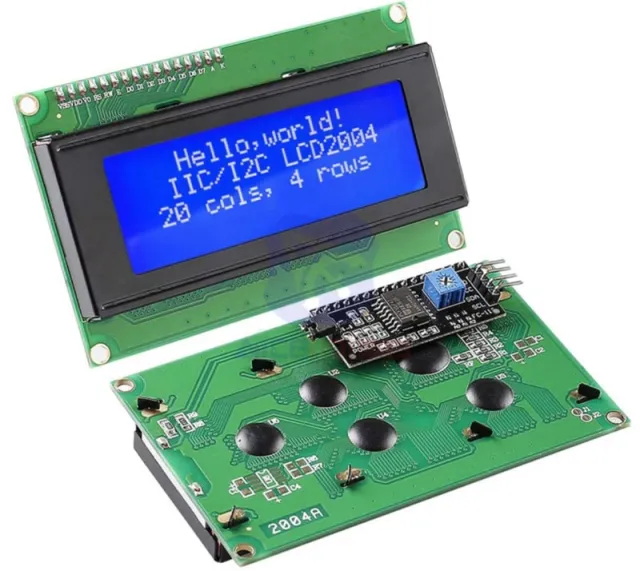
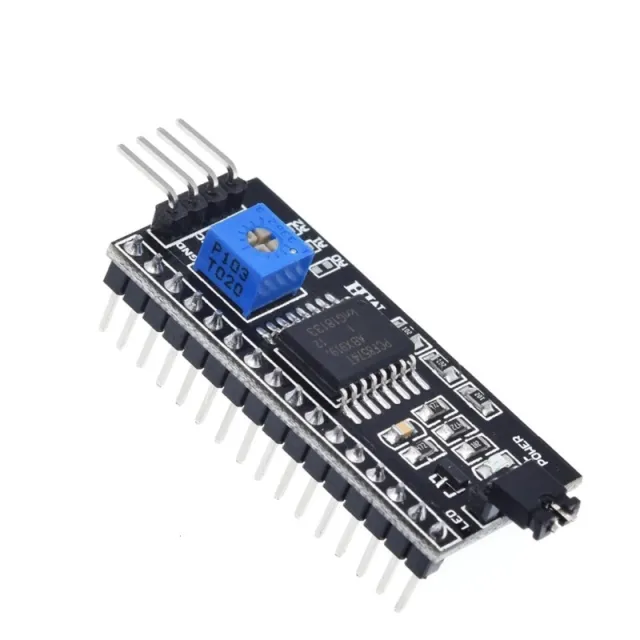
1602 LCD med I2C-modul förlött. Direkt att använda i ditt Arduino-, ESP32-, ESP8266- eller Raspberry Pi-projekt. Mycket enklare än utan denna modul. Nu behövs bara 2 ledningar för att styra denna LCD-display.
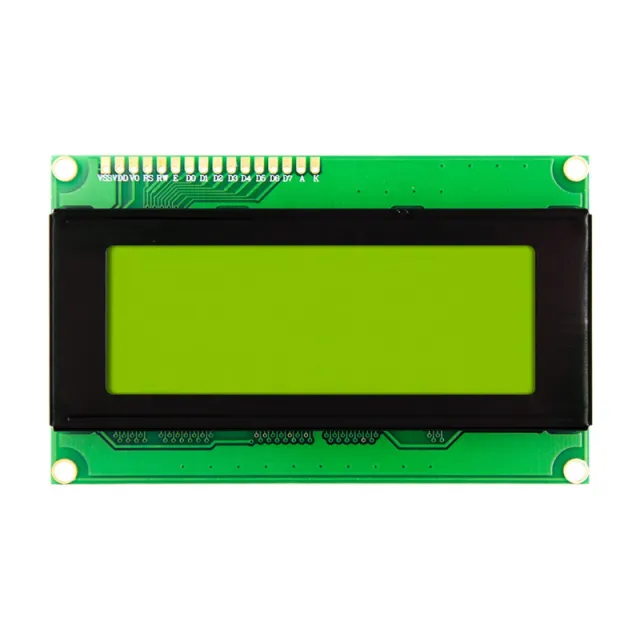
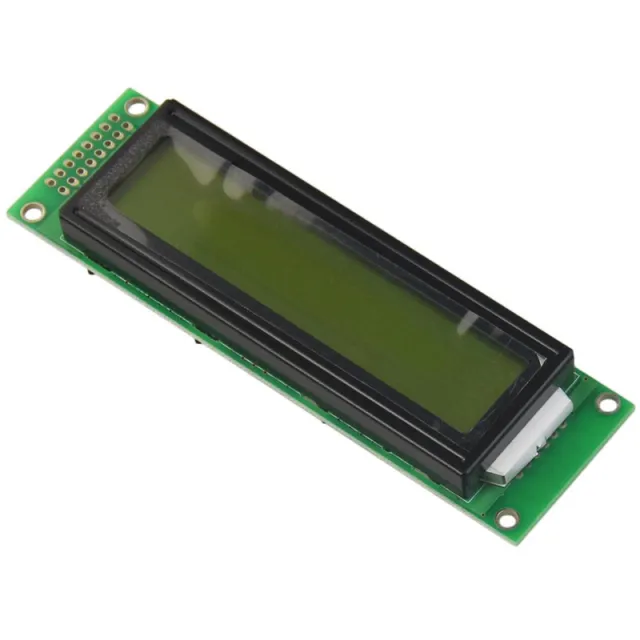
LCD med grönt/gult bakgrundsljus och svarta tecken. 2 rader, 16 tecken per rad. Kontrasten är (mjukvarumässigt) justerbar.
– Fungerar på: 5V
– Mått: 98mm x 60mm x 15mm.
Inklusive I2C-modul!
Kom snabbt igång med denna OTRONIC 1602 LCD-display med I2C-modul Ladda ner OTRONIC 1602 LCD SNABBGUIDE för ett kopplingsschema och exempelkod för Arduino IDE-programvaran.
Mått
Längd: 8cm
Bredd: 3,6cm
Höjd: 1,66cm
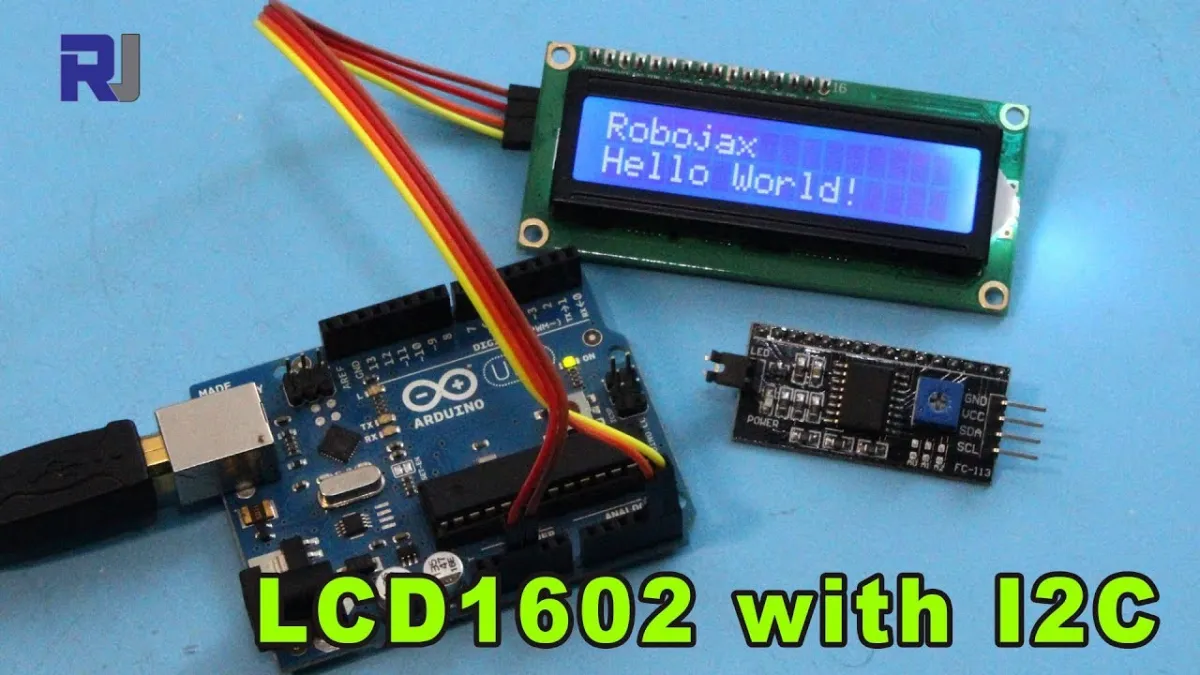
Vid uppspelning laddas videon från YouTube.
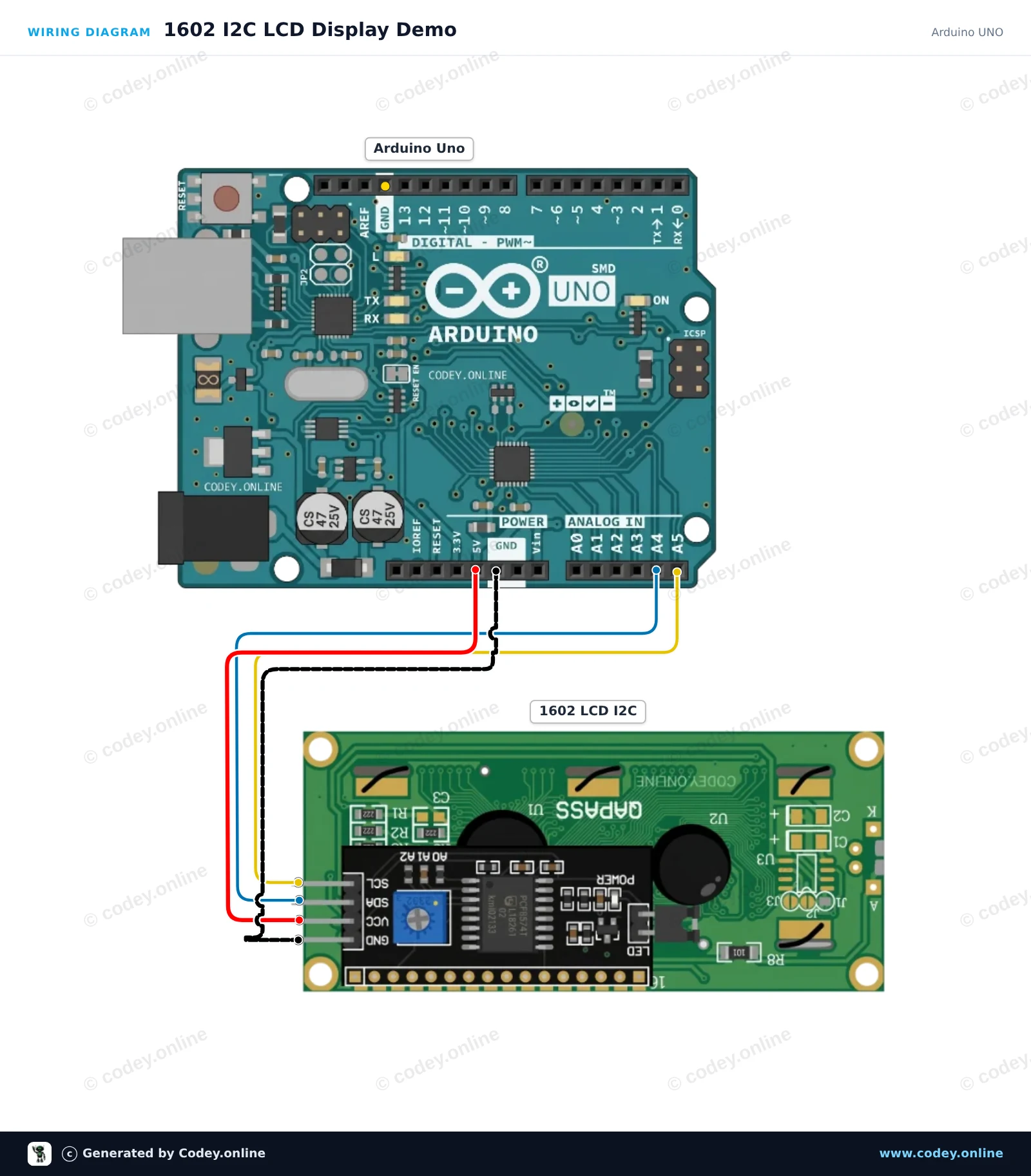
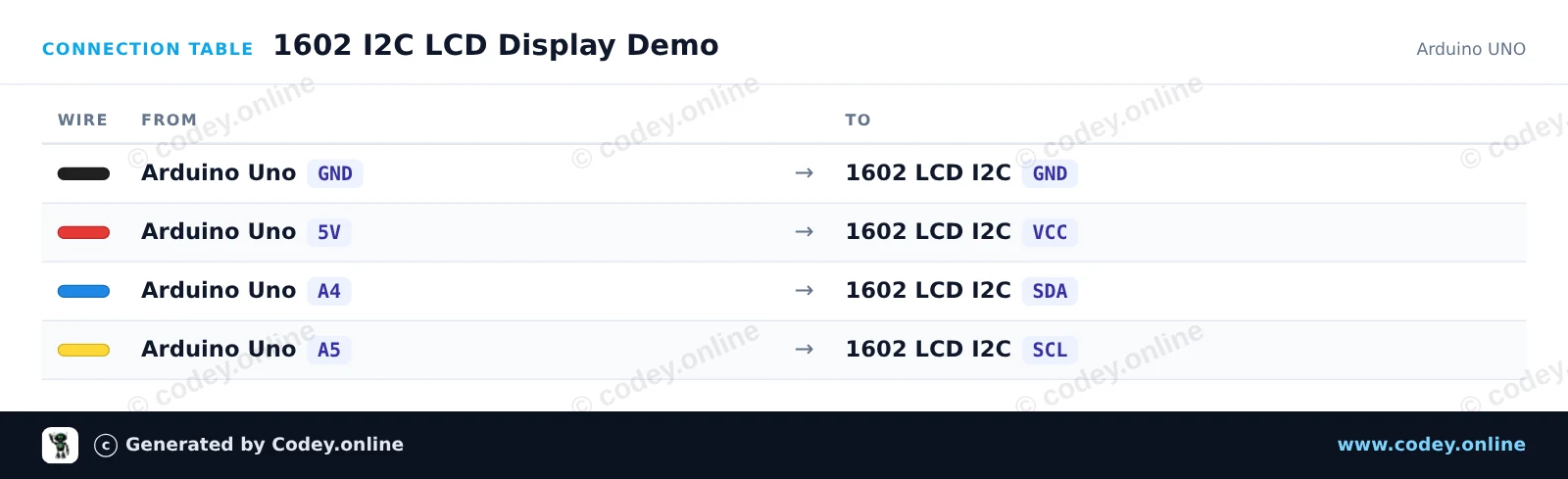
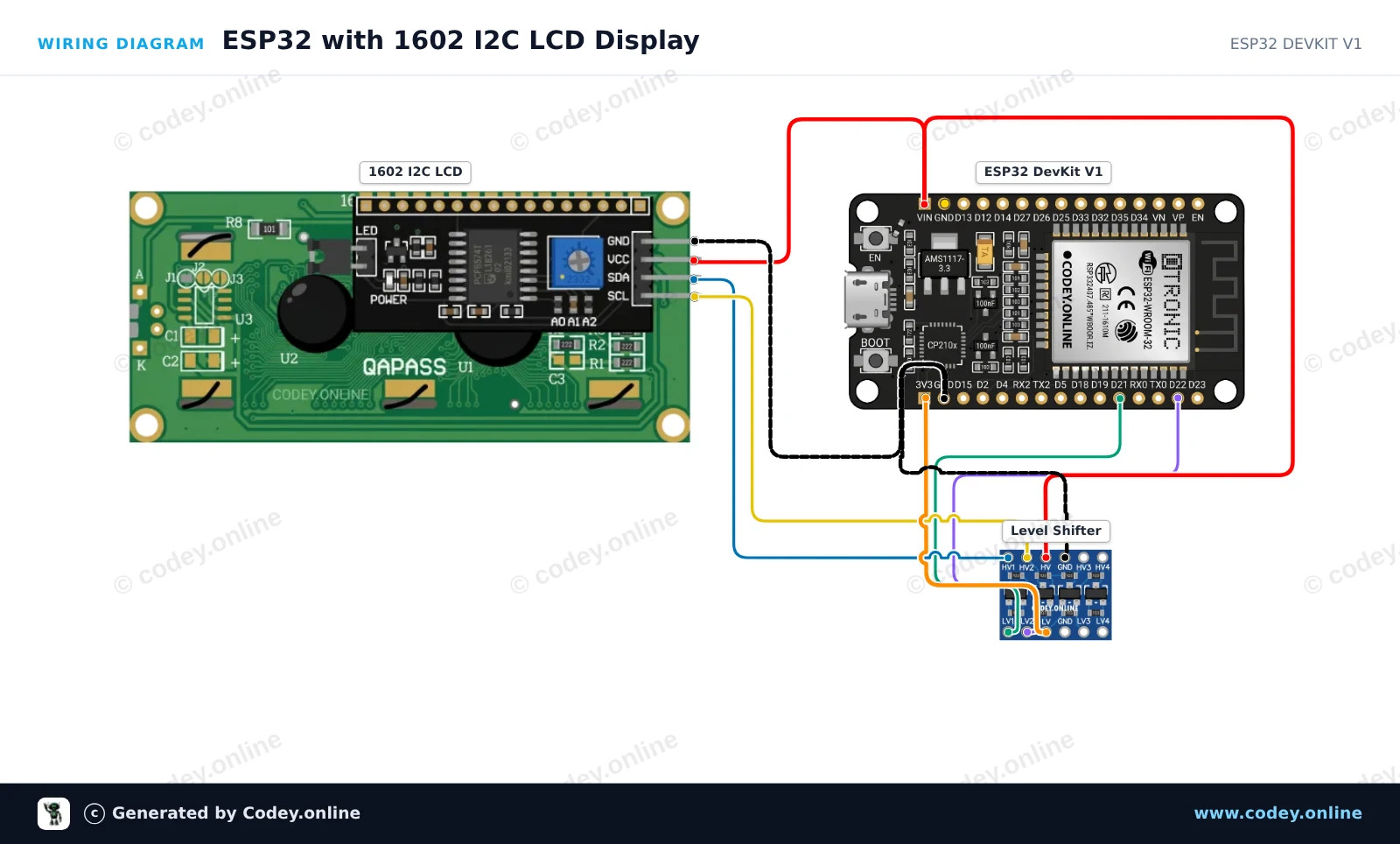
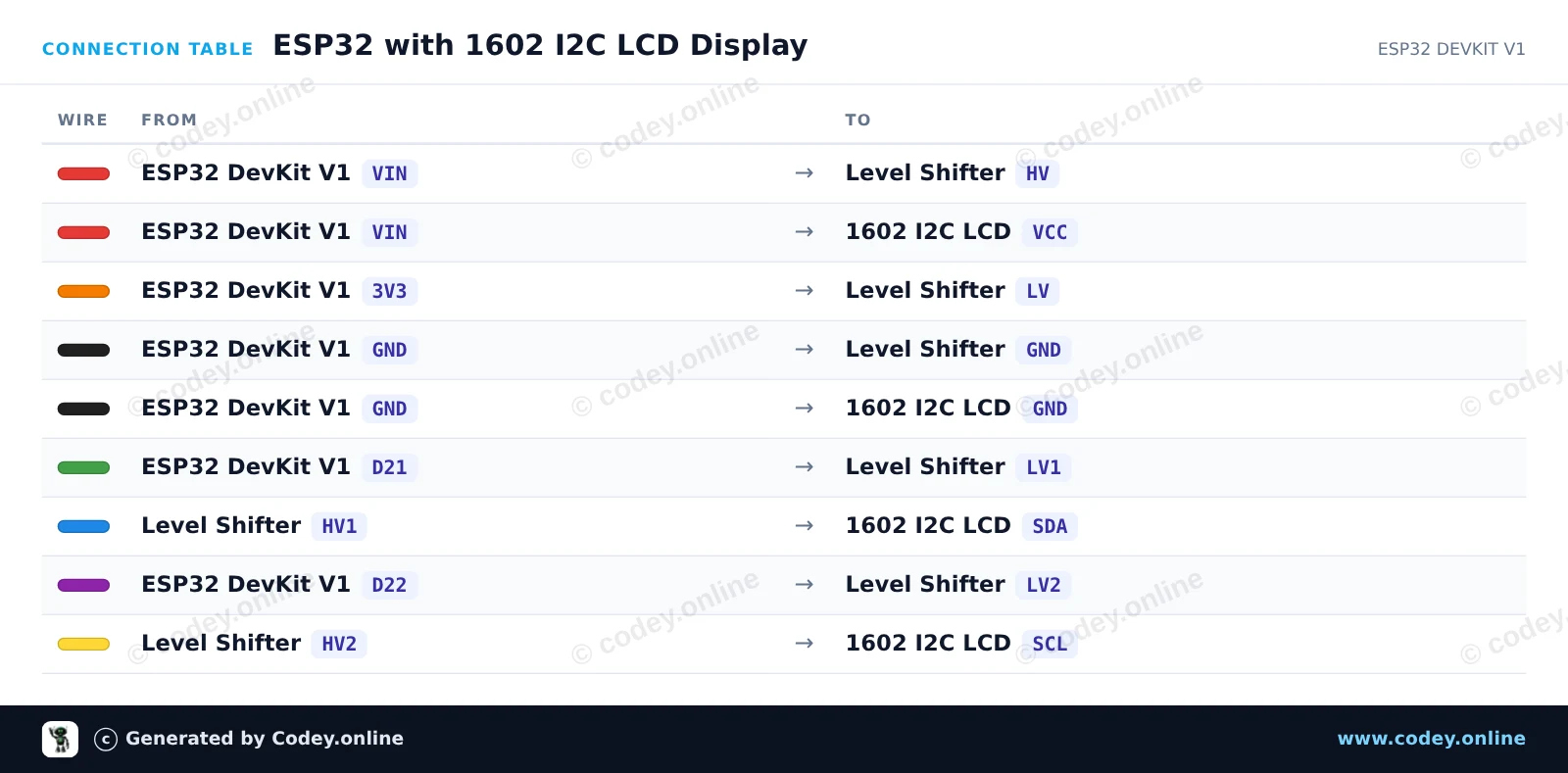
Så här kopplar du 1602 LCD grönt/gult bakgrundsljus med I2C förlött till en Arduino UNO eller ESP32, med ett exempelsketch som du kan ladda upp direkt.
This project connects a 16x2 character LCD via I2C to an Arduino Uno. The display initializes, turns on the backlight, displays a greeting message on the first row, and counts uptime in seconds on the second row.
/*
 * ==================================================================
 *  Generated by Codey.online  —  https://www.codey.online
 * ==================================================================
 *  Project   : 1602 I2C LCD Display Demo
 *  Board     : Arduino UNO (arduino:avr:uno)
 *  Parts     : 1602 LCD I2C DISPLAY
 *  Libraries : LiquidCrystal I2C 1.1.2
 *
 *  Codey Online is an AI-powered browser IDE for Arduino and ESP32.
 *  Describe your project and Codey writes the code, draws the wiring
 *  diagram and uploads it to your board, straight from the browser.
 *  This code is free to use, modify and share, without warranty.
 * ==================================================================
 */

#include <Wire.h>
#include <LiquidCrystal_I2C.h>

// Common I2C addresses are 0x27 or 0x3F for 1602 LCD modules
LiquidCrystal_I2C lcd(0x27, 16, 2);

void setup() {
  Serial.begin(115200);

  lcd.init();
  lcd.backlight();

  lcd.setCursor(0, 0);
  lcd.print(F("Hello, Arduino!"));
  Serial.println(F("LCD initialized successfully."));
}

void loop() {
  unsigned long seconds = millis() / 1000;

  lcd.setCursor(0, 1);
  lcd.print(F("Uptime: "));
  lcd.print(seconds);
  lcd.print(F("s   "));

  delay(500);
}Nödvändiga bibliotek: LiquidCrystal I2C 1.1.2
Wiring diagram and example code generated by Codey.online — https://www.codey.online
This project demonstrates how to connect and display text on a 1602 LCD screen using an I2C backpack. A 4-channel bidirectional logic level shifter is used to safely translate the 3.3V I2C signals of the ESP32 to the 5V signals required by the LCD module. After uploading, the LCD shows a welcome message and updates an uptime counter every second.
/*
 * ==================================================================
 *  Generated by Codey.online  —  https://www.codey.online
 * ==================================================================
 *  Project   : ESP32 with 1602 I2C LCD Display
 *  Board     : ESP32 DEVKIT V1 (esp32:esp32:esp32doit-devkit-v1)
 *  Parts     : 1602 LCD I2C DISPLAY
 *  Libraries : LiquidCrystal I2C 1.1.2
 *
 *  Codey Online is an AI-powered browser IDE for Arduino and ESP32.
 *  Describe your project and Codey writes the code, draws the wiring
 *  diagram and uploads it to your board, straight from the browser.
 *  This code is free to use, modify and share, without warranty.
 * ==================================================================
 */

#include <Wire.h>
#include <LiquidCrystal_I2C.h>

// Set the LCD address (commonly 0x27 or 0x3F) for a 16 chars and 2 line display
LiquidCrystal_I2C lcd(0x27, 16, 2);

void setup() {
  // Initialize I2C on default ESP32 pins (SDA=21, SCL=22)
  Wire.begin(21, 22);

  lcd.init();
  lcd.backlight();

  // Display greeting
  lcd.setCursor(0, 0);
  lcd.print("ESP32 LCD Demo");
  lcd.setCursor(0, 1);
  lcd.print("Uptime: ");
}

void loop() {
  // Update uptime in seconds
  lcd.setCursor(8, 1);
  lcd.print(millis() / 1000);
  lcd.print("s   ");
  delay(1000);
}Nödvändiga bibliotek: LiquidCrystal I2C 1.1.2
Wiring diagram and example code generated by Codey.online — https://www.codey.online






 English
  Nederlands
  Frans
Frans  Deutsch
  Italiano
  Español
  Suomi
Suomi  Polski
  Dansk
Dansk  Ελληνικά
  Български
  Čeština
  Hrvatski
  Aileen