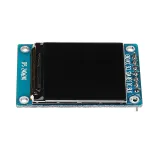
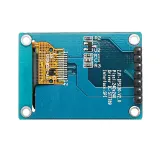
SKU: OT3499 Artikelnummer: AA431 EAN: 8720618489661

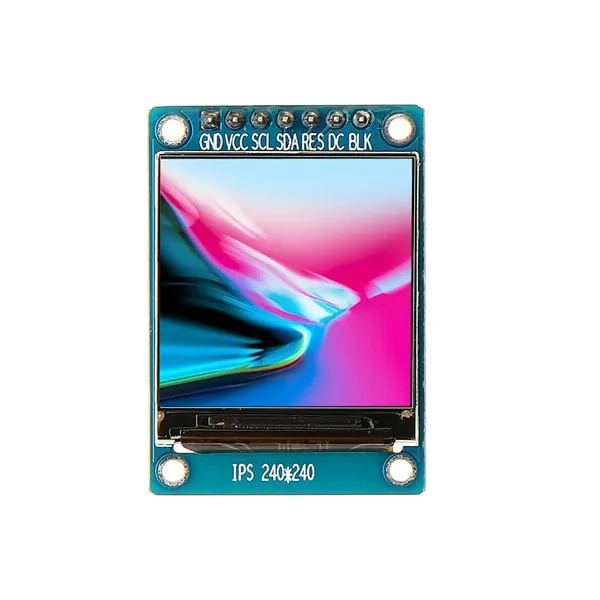
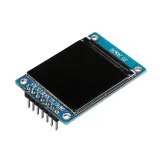
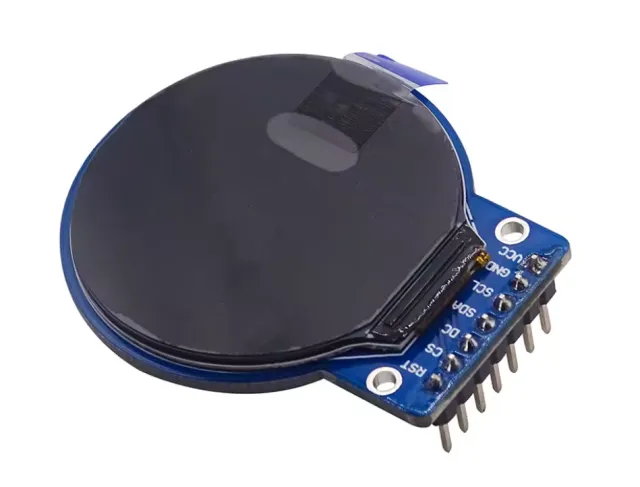
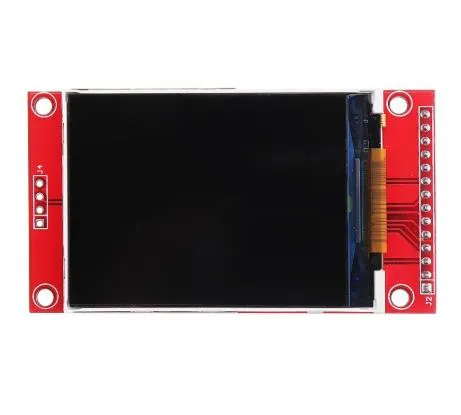
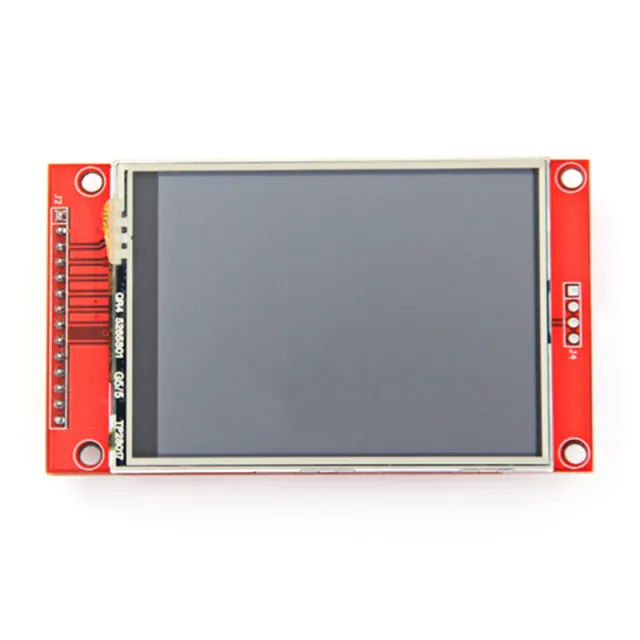
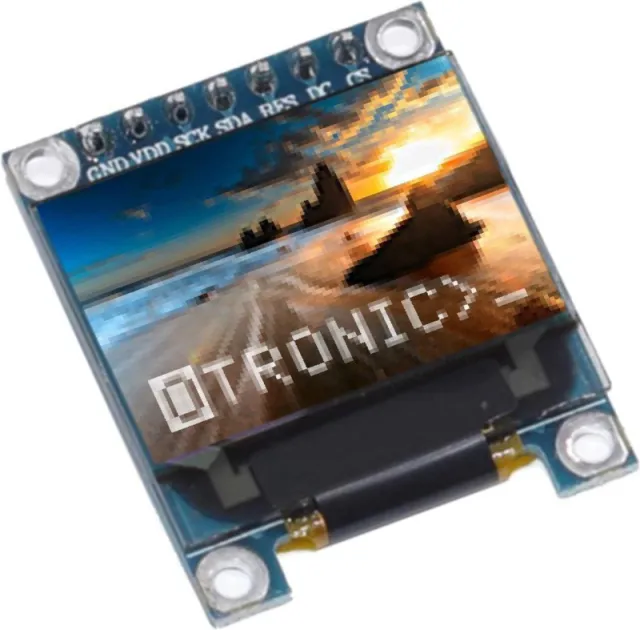
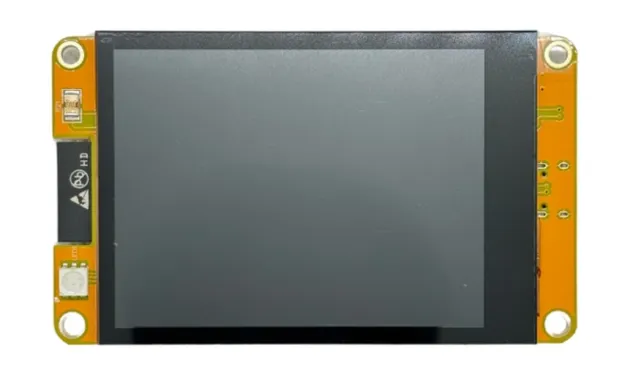
En liten skärm med 1.3" diagonal. Med den höga pixeltätheten på 260 ppi är detta en fantastisk 240x240 pixel display med läsbarhet från alla vinklar.
Displays i denna klass används också för smartklockor och små elektroniska enheter.
Har ST7789 displaydrivrutin som fungerar med alla mikrokontroller och mikrodatamaskiner.
Detta är det bästa sättet att lägga till en liten, färgstark och mycket ljusstark skärm till vilket projekt som helst. Den använder 4-tråds SPI för att kommunicera.
Med sin egen pixel-adresserbara frame buffer kan den till och med användas för mycket små mikrokontroller med lite minne eller tillgängliga pins.
Skärmen har 240x240 16-bitars fullfärgspixlar och är IPS, så färgen ser fantastisk ut upp till 80 grader från varje axel i varje riktning. TFT-drivrutinen (ST7789) liknar mycket den populära ST7735 och stöds väl av flera Arduino-bibliotek.
Adafruit har till exempel skrivit ett fullständigt öppen källkod grafiskt bibliotek som kan rita pixlar, linjer, rektanglar, cirklar, text och bitmaps i kombination med Adafruit GFX Library. (se denna sida för att komma igång) Dessutom finns även exempelkod. Denna kod är skriven för Arduino men kan enkelt anpassas till din favoritmikrokontroller.
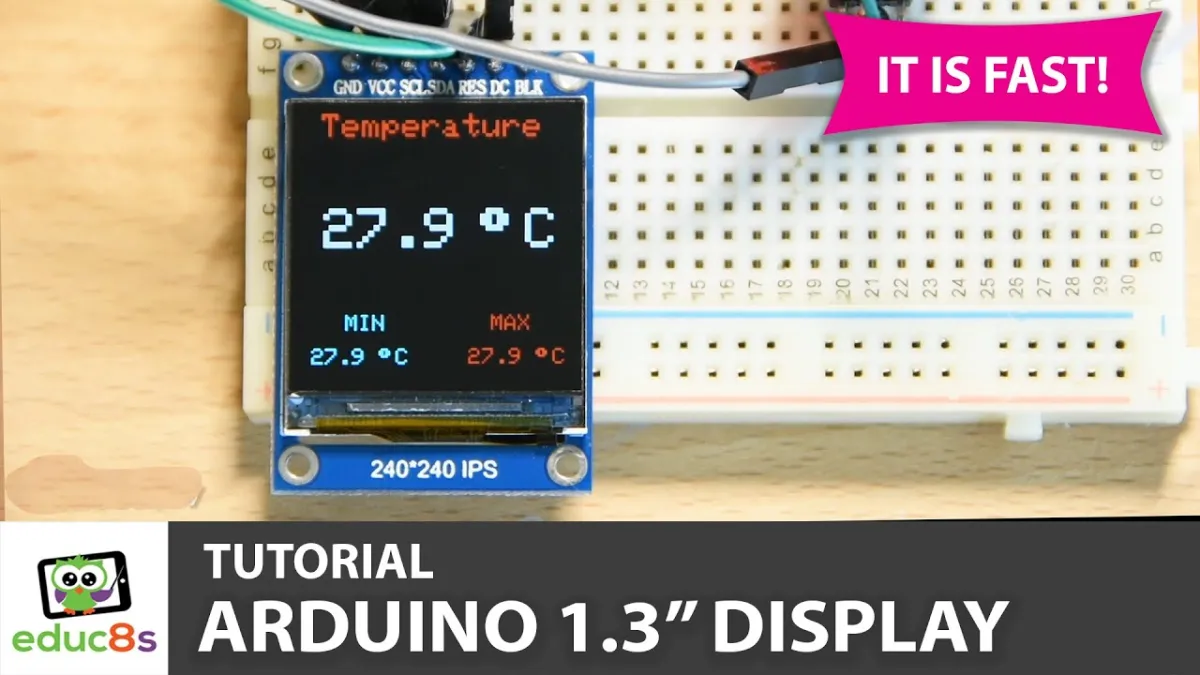
Vid uppspelning laddas videon från YouTube.
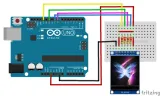
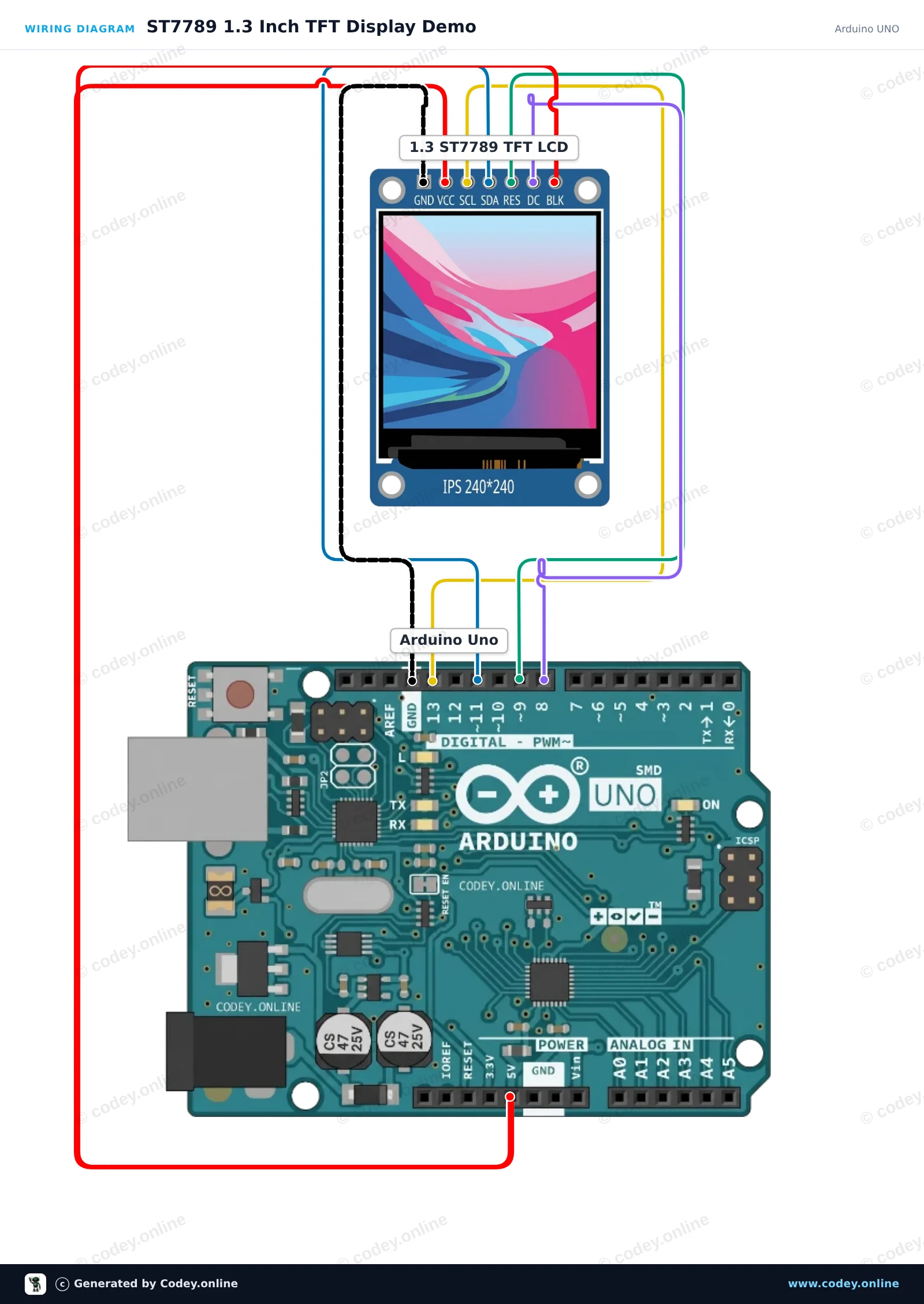
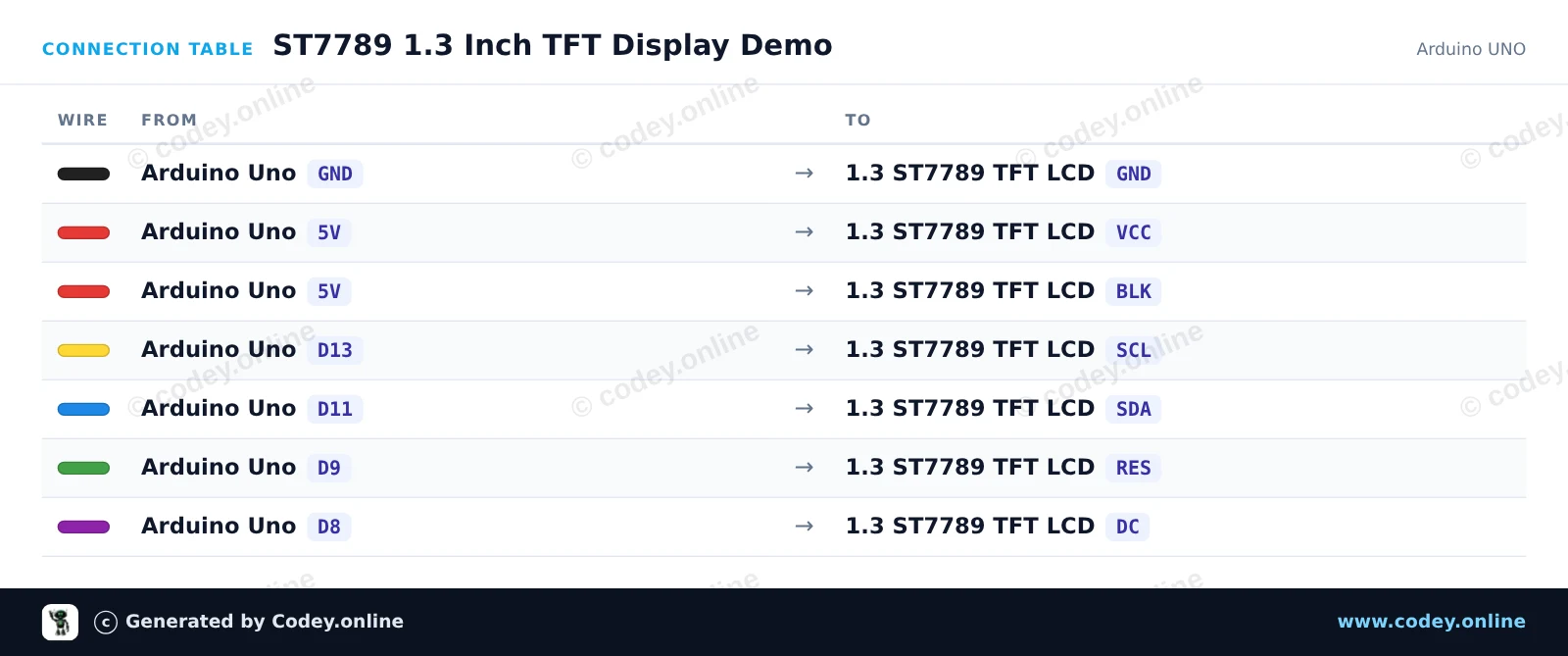
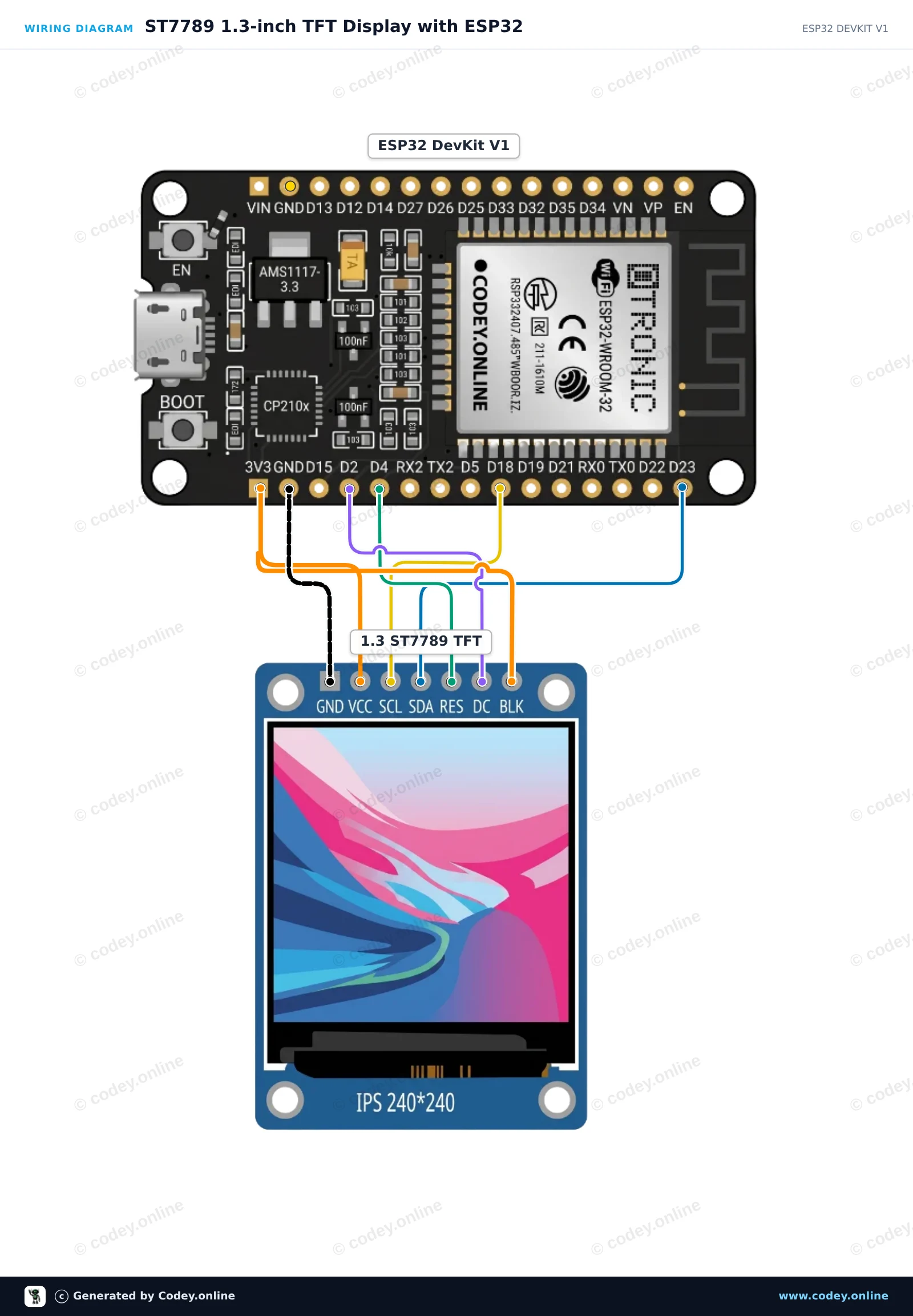
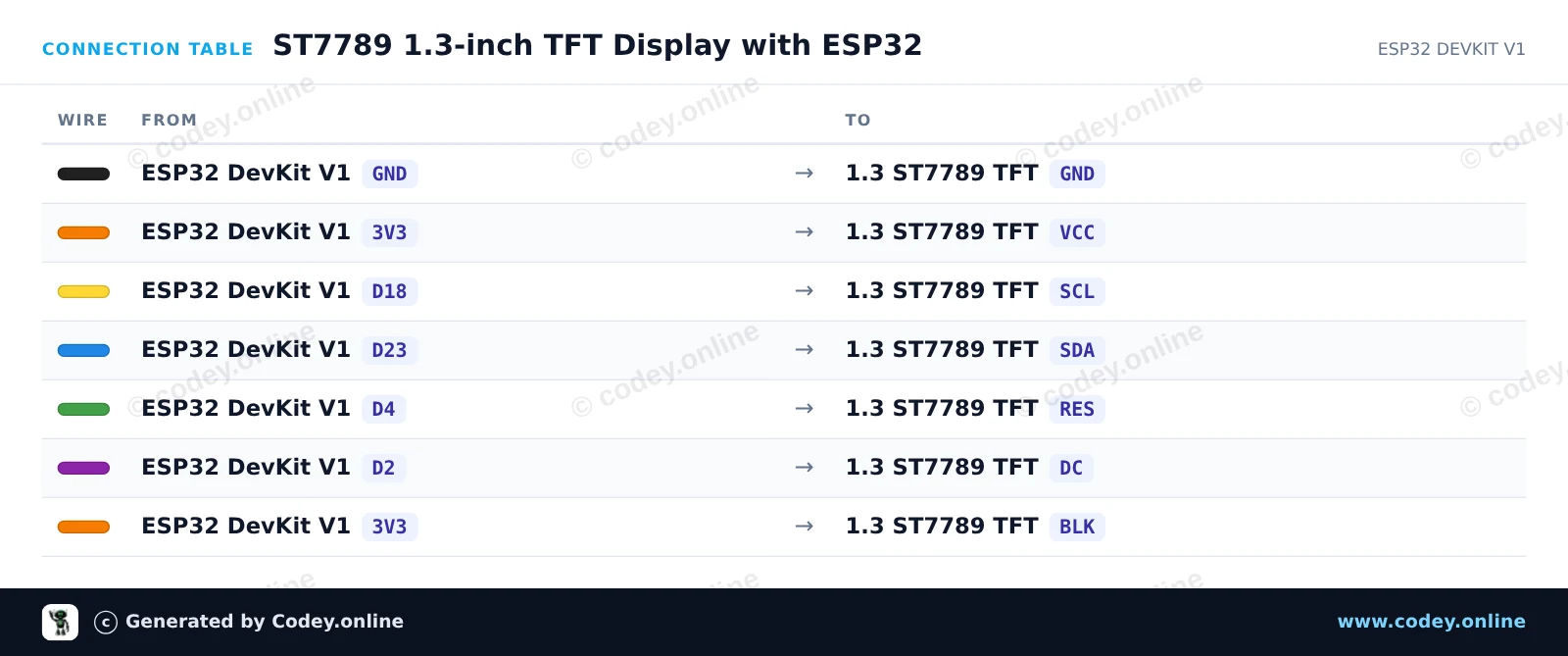
Så här kopplar du 1.3inch SPI TFT LCD Display RGB (ST7789, 3.3V) till en Arduino UNO eller ESP32, med ett exempelsketch som du kan ladda upp direkt.
This project initializes a 1.3-inch 240x240 ST7789 SPI TFT display with an Arduino Uno. The sketch draws greeting text, shapes, and colorful graphics to demonstrate display capabilities. Connect the display directly to the Arduino SPI pins as shown.
/*
 * ==================================================================
 *  Generated by Codey.online  —  https://www.codey.online
 * ==================================================================
 *  Project   : ST7789 1.3 Inch TFT Display Demo
 *  Board     : Arduino UNO (arduino:avr:uno)
 *  Parts     : LCD Display TFT 1.3inch ST7789
 *  Libraries : Adafruit ST7735 and ST7789 Library 1.11.0
 *
 *  Codey Online is an AI-powered browser IDE for Arduino and ESP32.
 *  Describe your project and Codey writes the code, draws the wiring
 *  diagram and uploads it to your board, straight from the browser.
 *  This code is free to use, modify and share, without warranty.
 * ==================================================================
 */

#include <Adafruit_ST7789.h>
#include <SPI.h>

#define TFT_CS   -1
#define TFT_DC    8
#define TFT_RST   9

Adafruit_ST7789 tft = Adafruit_ST7789(TFT_CS, TFT_DC, TFT_RST);

void setup() {
  Serial.begin(115200);
  Serial.println(F("ST7789 TFT Display Demo"));

  // Initialize 240x240 pixel ST7789 display
  tft.init(240, 240);
  tft.setRotation(0);
  tft.fillScreen(ST77XX_BLACK);

  // Draw greeting text
  tft.setTextWrap(false);
  tft.setTextSize(2);
  tft.setTextColor(ST77XX_WHITE);
  tft.setCursor(20, 20);
  tft.println(F("Hello!"));

  tft.setTextColor(ST77XX_CYAN);
  tft.setCursor(20, 50);
  tft.println(F("ST7789 1.3 TFT"));

  // Draw sample graphics
  tft.drawRect(10, 85, 220, 130, ST77XX_YELLOW);
  tft.fillCircle(60, 145, 25, ST77XX_RED);
  tft.fillTriangle(120, 185, 160, 115, 200, 185, ST77XX_GREEN);

  Serial.println(F("Display ready."));
}

void loop() {
  // Static demo
}Nödvändiga bibliotek: Adafruit ST7735 and ST7789 Library 1.11.0
Wiring diagram and example code generated by Codey.online — https://www.codey.online
This project initializes a 1.3-inch 240x240 SPI TFT display using the ST7789 driver. It draws shapes, displays text, and updates a live counter on screen every second.
/*
 * ==================================================================
 *  Generated by Codey.online  —  https://www.codey.online
 * ==================================================================
 *  Project   : ST7789 1.3-inch TFT Display with ESP32
 *  Board     : ESP32 DEVKIT V1 (esp32:esp32:esp32doit-devkit-v1)
 *  Parts     : LCD Display TFT 1.3inch ST7789
 *  Libraries : Adafruit GFX Library 1.12.6, Adafruit ST7735 and ST7789 Library 1.11.0
 *
 *  Codey Online is an AI-powered browser IDE for Arduino and ESP32.
 *  Describe your project and Codey writes the code, draws the wiring
 *  diagram and uploads it to your board, straight from the browser.
 *  This code is free to use, modify and share, without warranty.
 * ==================================================================
 */

#include <Adafruit_GFX.h>
#include <Adafruit_ST7789.h>
#include <SPI.h>

#define TFT_DC    2
#define TFT_RST   4
#define TFT_CS   -1

Adafruit_ST7789 tft = Adafruit_ST7789(TFT_CS, TFT_DC, TFT_RST);

int counter = 0;

void setup() {
  Serial.begin(115200);

  // Initialize 240x240 ST7789 display
  tft.init(240, 240);
  tft.setRotation(2);
  tft.fillScreen(ST77XX_BLACK);

  // Draw frame and header
  tft.drawRect(10, 10, 220, 220, ST77XX_BLUE);
  tft.setTextColor(ST77XX_WHITE);
  tft.setTextSize(2);
  tft.setCursor(35, 30);
  tft.println("ESP32 ST7789");

  tft.fillCircle(120, 160, 35, ST77XX_RED);
}

void loop() {
  // Update counter area
  tft.fillRect(40, 80, 160, 30, ST77XX_BLACK);
  tft.setTextColor(ST77XX_GREEN);
  tft.setTextSize(2);
  tft.setCursor(45, 85);
  tft.printf("Count: %d", counter++);

  delay(1000);
}Nödvändiga bibliotek: Adafruit GFX Library 1.12.6, Adafruit ST7735 and ST7789 Library 1.11.0
Wiring diagram and example code generated by Codey.online — https://www.codey.online





 English
  Nederlands
  Frans
Frans  Deutsch
  Italiano
  Español
  Suomi
Suomi  Polski
  Dansk
Dansk  Ελληνικά
  Български
  Čeština
  Hrvatski
  Aileen